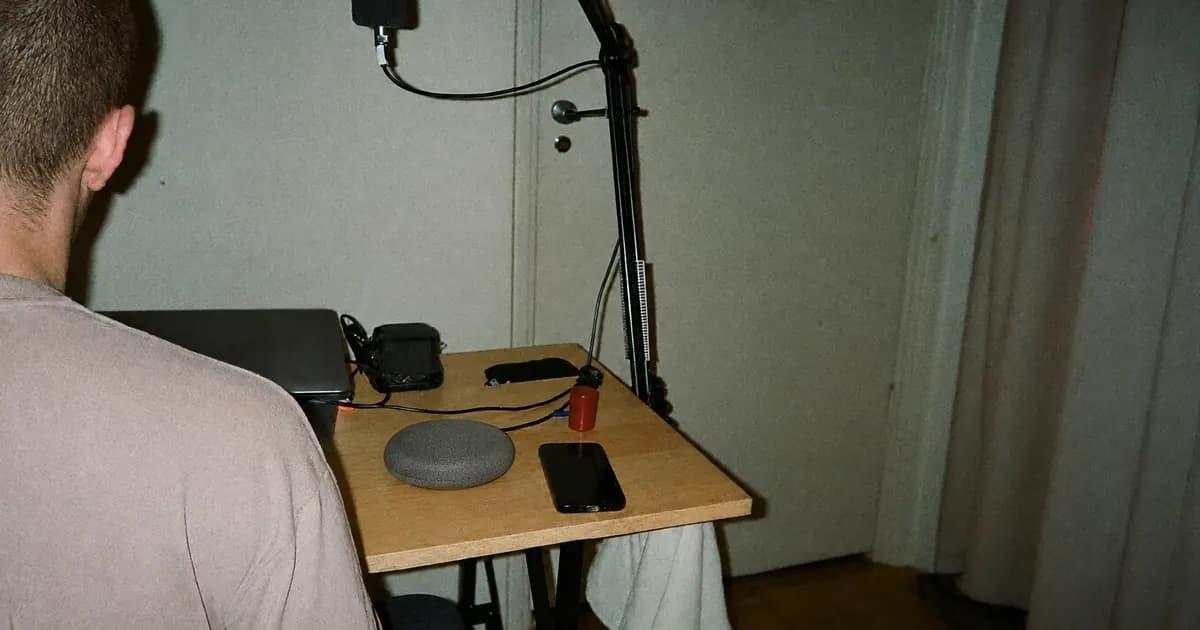
How to Mix Vocals on BandLab
VP
VocalPresets Team
7 min read
How to mix vocals on BandLab is a Voice Effects job: clean the take, even the level, add a small room, then stop before Mastering cooks the life out of it. BandLab will not load a desktop .fst or channel strip. It will let you mix a phone vocal well enough to release if you treat it like a mixer, not a filter pack.
Most artists start in FL Studio. If you are on a phone tonight, BandLab is the session you actually have. This post is the mix process. Saved starting points and the honest file-format limit are in
. Use that when you want numbers. Use this when you want the order.
Top Bandlab Presets
Free
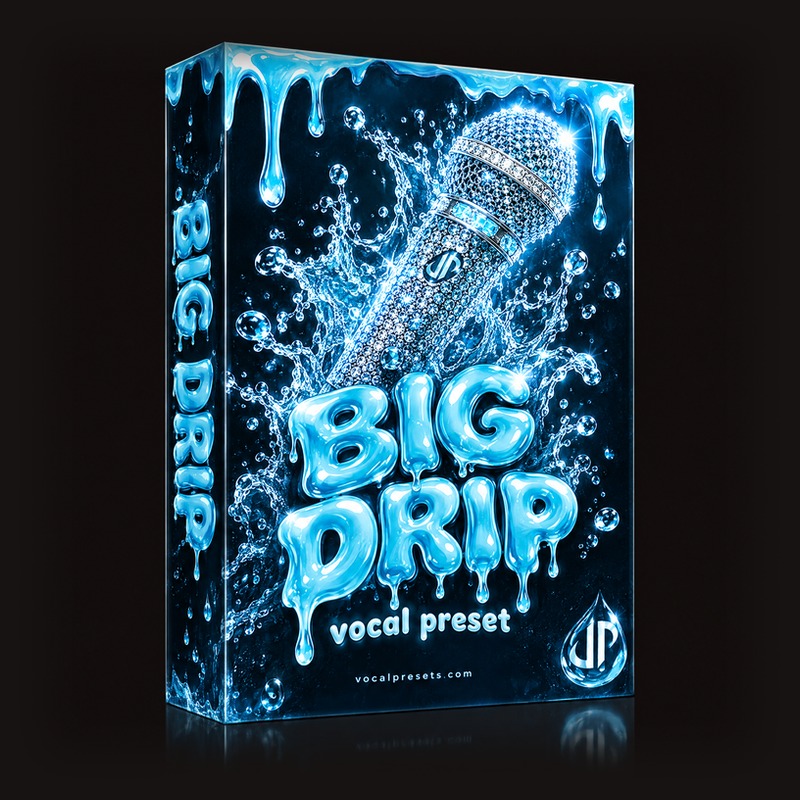
Big Drip

Vocal Labs
Free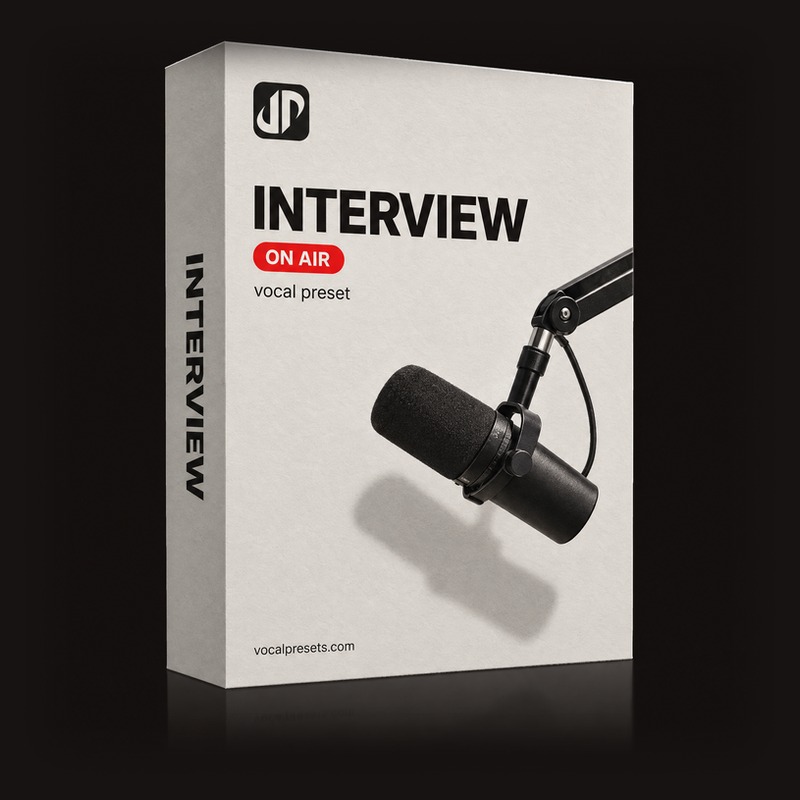
Free
Interview
Vocal Labs
Free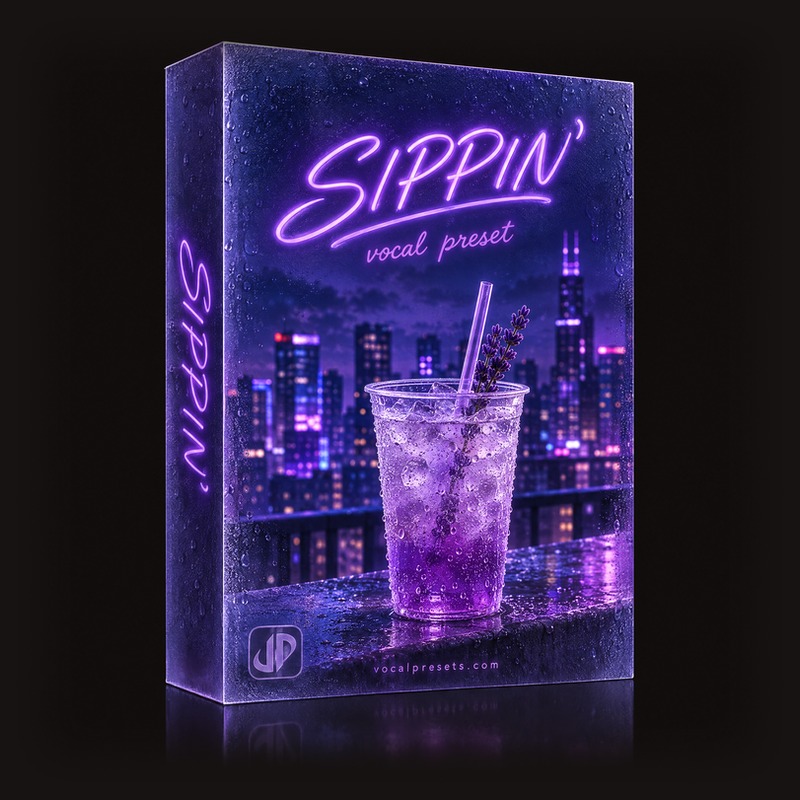
Sippin'
Vocal Labs
$14.99
Studio Polish
Vocal Labs
$14.99How to mix vocals on BandLab, in order
Same order as a desktop mix. Smaller toolbox.
- Record a dry take you can still hear
- Tune only after the words are good
- EQ the mud and the box
- Compress so verses and belts match
- Gate the hallway if you must
- Reverb and delay last, and less than the app's default
- Balance against the beat, then decide on Mastering
The long desktop version of this path is
. BandLab just hides the plugins behind Voice Effects and Mix sliders.
Record like the mix depends on it
It does. Phone mics compress the room into the file. You cannot EQ a kitchen out of a whisper.
- Closet, car, or blankets behind you
- Headphones so the beat does not spill
- Distance stays the same for the whole take
- Peaks that do not slam the red
If the raw region is a voice memo, the mix will stay a voice memo.
still applies when the interface is a phone.
Leave a version with Voice Effects off. If you only keep a wet export, you cannot fix the reverb tomorrow.
Voice Effects is the mixer
Open the vocal track. Voice Effects (or the Mix / FX panel, depending on the app version) is where EQ, compressor, gate, pitch, reverb, and delay live. You are not looking for a secret "pro" button. You are looking for those modules in a sensible order.
BandLab's named Voice Styles are starting points. They are often too wet or too bright. Use one, then pull it back until it sounds like a person. Saving your own chain - the bookmark / star flow in
- is how you stop reinventing this every night.
EQ: make it sit, do not make it sparkle
Phone recordings are already hyped in the top. Your job is usually subtraction.
- High-pass until rumble and AC die
- A small cut where the take sounds like a hallway
- Presence only if the beat hides the words
- Air last, and only if the vocal is dull on earbuds
If you boost everything, Mastering will boost it again. That is how BandLab vocals get harsh on TikTok speakers.
Think "can I hear the lyric next to the 808," not "does the EQ look exciting."
is the same idea with more language.
Compression: even, not slammed
The compressor should catch the belt and lift the mutter. Medium attack. Medium ratio. Makeup so bypassed and active feel similar, then a touch closer.
If the 808 makes the vocal pump, you overdid it. If verses disappear and hooks scream, you underdid it.
BandLab's sliders are simpler than Logic's Vintage Opto. You still need the same taste.
if the words feel glued shut.
Gate without chopping words
A gate is useful in a loud house. Set the threshold so silence is silence and the ends of words still exist. If "-ing" and "-ah" get eaten, back off. Soft singing needs a gentler gate than a rap yell.
Reverb and delay: smaller than the default
This is where most BandLab mixes die. The app wants you to sound "finished," so it soaks the track.
- Room or small hall for the lead
- Wet enough that it does not sound like a dry memo
- Dry enough that a car speaker still hears consonants
- Delay as a short slap, not a dub concert
Keep the lead centered. Pan ad-libs. Extra wet on backgrounds, not on the main line.
and
are the desktop versions of that split. On a phone, you do it with track volume and a little more FX on the copies.
Mastering is optional, and often too much
BandLab Mastering is a loudness button. On a vocal-and-beat phone mix it can glue the song, or it can smash the singer into the hi-hats.
Try the mix without it. If you use it, pick the lightest preset and A/B. If the vocal gets smaller or fizzier, skip it. Export a mix-bus version you can live with. You can always master later in a desktop DAW.
What you cannot load, and what you can do instead
VocalPresets.com packs are built for FL Studio, Ableton Live, Logic Pro, and other desktop DAWs. They do not import into BandLab. That is not a secret. It is why the BandLab catalog post talks about settings, not .fst files.
The honest path:
- Mix in BandLab with Voice Effects when you are mobile
- Save that FX chain
- When you get to a laptop, load a real preset and re-amp the dry take
Big Drip is the free chain to try on that laptop session - radio sheen, space, high-end lift. It is not a BandLab file. It is the next step when you outgrow the phone.
Free
Big Drip
Vocal Labs
FreeMore free starting points: /free-vocal-presets and
.
If you want BandLab-specific saved settings rather than this process, stay on
. Do not run both posts as if they were the same article.
A simple BandLab mix checklist
Before you post the song:
- Dry take exists
- Lead is louder than ad-libs
- Words survive one-earbud playback
- Reverb is not the loudest thing on the track
- Mastering did not fry the S sounds
- You still sound like you
If the beat was already mastered and brick-walled, your vocal will fight it. Turn the beat down. Mix to the song you have, not the Spotify loudness you wish you had.
Lead, doubles, and ad-libs on separate tracks
How to mix vocals on BandLab gets easier when the lead is not sharing a track with every whisper.
Record the lead. Duplicate the project track or record a real double. Put ad-libs on a third track. Then:
- Lead: least reverb, most volume
- Double: a little quieter, a little wetter, maybe panned
- Ad-libs: higher filter if you have it, more delay, duck them when the lead speaks
If everything lives on one region, you cannot treat the hook like a hook. You can only soak the whole take.
Export the lead dry if you think you will finish in FL Studio later. Most artists start there anyway. BandLab is allowed to be the writer. The desktop can be the print.
Voice Styles vs your own chain
BandLab Voice Styles are presets inside the app. They are useful for a starting shape. They are also often louder and wetter than a release wants.
If you pick a Style, immediately:
- Lower reverb
- Check the compressor is not pumping with the 808
- Confirm pitch is still in the right key
- Save that edited version under a name you wrote
Do not stack a Style on top of a Style. You will get two rooms and a fizzy top.
The saved-settings article is
. This checklist is how you mix after that Style is already on.
Export without trapping yourself
How to mix vocals on BandLab includes the export. If you only save the project in the cloud and never bounce a dry vocal, you cannot finish the song in FL Studio later.
Export the full mix for the version you will post. Export the lead alone if the take is good. Name the files with the key. Future you will not remember what "final4" was.
FAQ
Can I load VocalPresets.com files in BandLab?
No. BandLab cannot import desktop mixer presets. Use Voice Effects here. Move the dry vocal into FL Studio, Ableton Live, or Logic Pro when you want a marketplace chain like Big Drip.
Should I use BandLab Mastering on the vocal?
Not by default. Mix the vocal first. If Mastering helps the whole song sit together, use a light setting and listen on a phone speaker. If the singer gets smaller, leave it off.
Why do my BandLab vocals still sound like a voice memo?
Usually the room, the distance to the phone, or too much reverb hiding a thin take. Fix the recording. Then EQ mud, compress a little, and use a small room. FX cannot invent a booth.
When should I leave BandLab for a desktop DAW?
When you have a dry vocal you like and you want a real chain, doubles that you can filter, or a preset that was built for stock plugins. Until then, finish the mix in BandLab and release the song.
Save a Voice Effects chain, ride the lead against the beat, and record the next verse before you download another app.