
How to Compress Vocals Without Squashing Them
VP
VocalPresets Team
8 min read
If you want to know how to compress vocals, start here: compression evens out the loud and quiet parts of your take so every word sits at the same level. It does not make you sound finished by itself. It stops the hook from jumping and the verse from disappearing. Done right, the vocal feels locked to the beat. Done wrong, it sounds small, flat, and tired.
You need a take at a sane volume and three knobs you actually understand.
What Compression Actually Does
Think of it as an automatic volume hand. When you get loud, it pulls you down. When you get quiet, it lets you through. Raw bedroom vocals jump around - you lean in on a hook, fall off on a verse, and the beat stays put. That gap is why a good take still feels amateur.
Compression closes the gap. It does not add talent or fix a hallway room. It keeps the performance in one place so the rest of the chain has something to work with. Bypass it every few minutes. If the vocal loses the feeling you had in the booth, you went too far.
The Three Knobs That Matter
Ratio, attack, and release do most of the work. Threshold is "when it starts." Makeup gain is "bring the level back."
Ratio
Ratio is how hard the compressor works once you cross the line.
- 2:1 is gentle. Good for sung R&B where you still want the swell of a phrase.
- 3:1 to 4:1 is the everyday rap setting. Words stay even. The vocal still moves.
- 6:1 and up is for the artist who yells, then whispers, then yells again. Use it if the take is wild. Do not use it because a thumbnail said smash.
If every word sounds the same height, the ratio is too high.
Attack
Attack is how fast the compressor grabs you.
A fast attack (1-5 ms) grabs the front of the word. That can glue a busy rap verse. It can also shave the consonants off and leave you dull.
A slower attack (15-30 ms) lets the first hit of the word through, then pulls the rest. That is how you keep punch. The P and B still slap. The body of the word sits down.
For most hip-hop leads, start slower than you think. Kill the transient and the vocal sits behind the hats even when the meter looks loud.
Release
Release is how fast the compressor lets go.
Too fast and you hear pumping - volume bouncing in time with your flow. Too slow and it holds you down after the word is over, so the next line starts already squashed.
Set release so it recovers between phrases. Dense rap wants a faster release. Long sung notes want a slower one.
Play the verse and listen for the vocal breathing with you. If it gasps, release is too fast. If it stays pinned, release is too slow.
How to Compress Vocals Without Squashing Them
Squashing happens when you ask one compressor to do everything. One plugin, high ratio, fast attack, threshold slammed until the meter is pinned. The vocal gets loud in a cheap way and loses the air between words.
Do this instead.
Get the input level right first
Your compressor expects a reasonable signal. If you recorded slammed into the red, turn the clip down before the compressor. If you recorded timid, turn it up a little. Aim the vocal around -18 to -12 dB going in. Then the knobs mean something.
Cut the mud before you compress
Compression makes whatever you feed it louder - including the boxy 200-400 Hz mess from a bedroom. EQ the junk first. Then compress a cleaner signal.
Compress a muddy vocal and you get louder mud.
Use two light compressors instead of one heavy one
First compressor: slower attack, 2:1 or 3:1, just tames the peaks. You should see a few dB of gain reduction on the loud words, not ten.
Second compressor: a little faster, another 2-3 dB. This is the glue.
Two polite stages sound bigger than one angry stage. If you only have one stock compressor, keep it polite and catch the last peaks with a limiter.
Makeup gain is not more sauce
After compression the vocal is quieter, so you add makeup gain to bring the average level back. Stop when it matches the beat, not when the channel looks impressive. If you keep boosting, you are just making the squash louder.
Check it against the beat, not solo
Solo lies. A vocal that sounds open solo can vanish in the mix. A vocal that sounds slightly small solo can sit perfectly on an 808. Always A/B with the instrumental.
If the vocal is even but still floating on top of the beat, that is not a compressor problem. That is a sit-in-the-mix problem. Read
.
Rap vs R&B: Different Jobs
Same tool. Different goal.
Rap: keep the pocket
Rap compression is about consistency and punch. You want every syllable readable over hats and 808s.
Start here:
- Ratio 3:1 or 4:1
- Attack 15-25 ms so the consonants stay
- Release fast enough that the next bar is not still held down
- 3-6 dB of gain reduction on the loudest words
If you want the tight, bright, in-your-face version of that, load a chain that is already set that way.
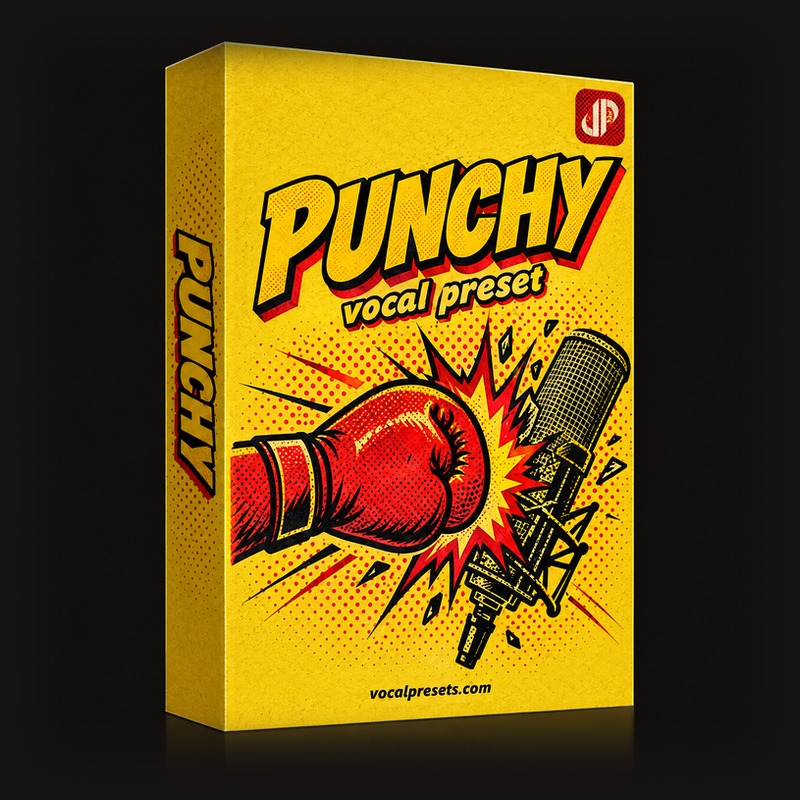
Punchy

Vocal Labs
$14.99Punchy is built for rhythmic, upbeat records. Sharp tune, crisp EQ, compression that keeps you in the pocket. Compare that to a softer chain and you will hear why "more compression" is not the same as better compression.
For the modern trap lead that stays bright and tight without getting harsh, this is the other reference:

Lil Baby Preset
Vocal Labs
$24.99That chain is not a promise you will sound like Lil Baby. It is a compression and presence recipe for that style - upfront, clean, a little slap, no wash. Hear it, then record your voice through it. Full breakdown:
.
The full rap mix path is in
.
R&B: keep the swell
Sung vocals need movement. If you flatten every rise, the hook dies.
Start here:
- Ratio 2:1 or 3:1
- Slower attack so the note can bloom
- Slower release so the compressor is not chewing the vibrato
- 2-4 dB of gain reduction. If you see 8, back off.

Silky
Vocal Labs
$14.99Silky is the other side of Punchy. It keeps the body of an R&B vocal, rounds the harsh edges, and does not smash the performance into a square. Load Punchy on a verse and Silky on a sung hook if you want the difference in your headphones in ten seconds.
If you sing the hook and rap the verse, do not use one setting for both. Duplicate the track or automate the threshold.
Common Mistakes That Squash the Vocal
Compressing a bad recording. Noise, room echo, and plosives get louder too. Treat the room, back off the mic a little, and high-pass the rumble first.
Fast attack on every song. You lose the snap that makes a rap vocal feel expensive. If the vocal suddenly sounds farther away and dull, lengthen the attack.
Watching the meter instead of the record. Three dB that sounds good beats ten dB that looks serious.
Forgetting the de-esser. Compression brings S sounds forward. If the vocal got sharp after you compressed, that is not more air. That is the compressor showing you the esses. Tame those after, not by turning the whole vocal down.
Using the compressor as a brick wall. A compressor shapes. A limiter catches the last peaks. If you ask the compressor to catch everything, it sits on the vocal the entire song.
A Simple Starting Recipe
FL Studio first: Fruity Compressor or the comp section in Fruity Limiter is enough to learn this. Ableton Live's Compressor and Logic Pro's Compressor work the same way. The names change. The ears do not.
- Insert the compressor after your cleanup EQ.
- Set ratio to 3:1.
- Pull the threshold down until the loud words dip 3-5 dB.
- Set attack around 20 ms.
- Set release so the gain reduction falls back before the next phrase.
- Add makeup until the vocal matches the beat.
- If it still jumps, add a second compressor doing 2 dB more. Do not slam the first one harder.
Save that, then steal the feel from a preset instead of reinventing it every session.
When to Stop Tweaking and Load a Chain
You can spend a week on attack times, or load a chain that already has EQ, compression, de-ess, and space set. The compression in a preset should be the polite two-stage kind, not a single smash. You still set input level and pick the flavor - punchy rap versus silky R&B.
If Punchy or the Lil Baby chain is not your lane, start at Browse Presets.
FAQ
How do I know if my vocals are over-compressed?
If the vocal feels smaller when you add the compressor, you overdid it. Other tells: you cannot hear the difference between a soft word and a loud one, the esses got harsh, or the vocal pumps with the beat. Bypass the plugin. If the dry take has more life and you only miss the volume, use less ratio and more makeup. If the dry take is wild, keep some compression and slow the attack.
Should I compress before or after Auto-Tune?
Tune first, then compress. If you compress first, the tuner sees a flattened signal and the correction can sound weirder on the quiet words you just boosted. Gate or high-pass, tune, EQ the problems, then compress. The full order is in
.
What compressor should I use if I only have stock plugins?
The stock compressor in FL Studio, Ableton Live, or Logic Pro is fine. You do not need an analog emulation to learn how to compress vocals. You need a take at a sane level and 3-5 dB of gain reduction. When you want the whole chain done, load Punchy or Silky instead of collecting plugins.
Do rap vocals and singing need different compression?
Yes. Rap wants faster recovery and a bit more ratio so the pocket stays even. Singing wants a lower ratio and a slower attack so the note can bloom. If you do both on one song, use two settings. One compressor for the whole record is how hooks go lifeless.
Load Punchy or Silky, set your input, and record the next take through the chain. Stop chasing the meter. Listen to the beat and drop the song.