Yeat Vocal Chain: How to Get That Melodic Rage Sound
VP
VocalPresets Team
7 min read
You've been listening to Yeat and wondering how his vocal sounds so raw, so distorted, so aggressive -- and when you try to recreate it, yours just sounds bad instead of stylistically destroyed. There's a difference between "lo-fi on purpose" and "my recording quality is poor," and the Yeat chain walks that line perfectly.
The melodic rage sound that defined 2 Alive and Afterlyfe is built on heavy saturation, pitched harmonies, and a lo-fi texture that sounds like it's breaking apart at the seams. It's not clean -- it's not supposed to be. And you can absolutely build it from your bedroom.
Here's the full Yeat vocal chain breakdown -- every setting, with free alternatives for every step. If you need a primer on vocal chain order, read that first -- the sequence matters even more when you are stacking this much processing.
What Makes Yeat Sound Like Yeat
When you hear a Yeat vocal, you're hearing:
- Heavy distortion/saturation -- the vocal is intentionally degraded
- Aggressive compression -- everything is smashed flat
- Pitched harmonies -- slightly detuned layers stacked underneath
- Washy reverb -- big, cloudy, atmospheric
- Lo-fi texture -- tape hiss, bit reduction, filtering
This isn't a "clean vocal" chain. It's a vibe chain. And if you're trying to make it sound polished, you're missing the point.
Step 1: Auto-Tune
Yeat uses pitch correction, but it's not as hard-tuned as Travis Scott. The rawness of his delivery comes through -- tuned enough to be melodic but not robotic.
Settings:
- Retune Speed: 5-15ms (lets some natural pitch variation through)
- Key: Match your song
- Humanize: 15-25 (allows your natural delivery to show)
- Flex Tune: 10-20
Free options: GSnap or Graillon 2 free version. Set the speed moderate -- you want correction, not robotics. For comparison, the Travis Scott vocal chain runs 0-5ms retune speed for a harder robotic lock.
Step 2: Compression -- Smash It
Yeat's vocals are very compressed. The dynamic range is almost nonexistent -- every syllable hits at the same level.
Compressor:
- Ratio: 8:1 to 10:1
- Attack: 0.5-2ms (very fast)
- Release: Auto
- Gain reduction: 8-12dB (aggressive -- way more than "normal")
Free option: Analog Obsession FetCH or TDR Kotelnikov pushed hard. You want YOUR vocal sounding like it's being squeezed through a tube.
Step 3: Distortion/Saturation -- The Core of YOUR Sound
This is what makes your recordings sound like Yeat instead of a bedroom demo. The vocal is distorted -- not subtly, not tastefully -- distorted.
Primary saturation:
- Type: Tape or tube distortion
- Drive: 40-70% (push it HARD)
- Mix: 60-80% wet
- Tone: Cut highs on the distortion around 8kHz
- Free plugins: CamelCrusher (the "British Clean" preset pushed hard is perfect), Analog Obsession COMPCRUSHER, or Softube Saturation Knob cranked up
Optional secondary distortion:
- Type: Bit crusher or lo-fi
- Bit depth: 12-14 bits (subtle degradation)
- Mix: 20-30%
- Free: TAL-DAC or Krush by Tritik
For more plugin options, see our list of best vocal chain plugins for bedroom producers.
Step 4: EQ -- Lo-Fi on Purpose
Yeat's vocal is NOT pristine. The EQ should actively remove the things most producers tell you to boost.
- High-pass: 120Hz
- Low-mid boost: +3-4dB around 300-500Hz (heavy, thick body)
- Cut: -3-4dB around 2-4kHz (removes clarity ON PURPOSE -- read that again)
- High shelf cut: -4-6dB above 10kHz (very dark, very lo-fi)
You're cutting the "presence" frequencies that every other chain boosts. That's intentional. It creates the filtered sound that makes Yeat's vocals feel like they're coming through a wall.
Step 5: Pitched Harmonies
Stack 2-4 vocal layers with pitch shifting for that thick, multi-dimensional sound:
- Layer 1: Original pitch, panned center
- Layer 2: +5 semitones (or matching harmony), -8dB, panned 30% left
- Layer 3: +7 semitones, -8dB, panned 30% right
- Layer 4: -12 semitones (octave down), -10dB, panned center (adds weight)
Run the same distortion chain on each layer. Compress the bus so it all glues into one wall of sound.
Free pitch shifter: Graillon 2 or your DAW's built-in pitch shifter.
Step 6: Reverb -- Washy and Big
The reverb on Yeat's vocals is large and cloudy -- like fog around your voice.
- Type: Hall or Chamber
- Decay: 3-5 seconds (long)
- Pre-delay: 10-20ms (close, immersive)
- Damping: Heavy high-cut around 4-6kHz
- Mix: 30-45% wet (don't be afraid to push this)
- Modulation: On, medium
Free option: Valhalla Supermassive. The "Gemini" mode with heavy damping is perfect. Free and better than most paid reverbs for this style.
Step 7: Lo-Fi Processing -- The Final Layer
Add final lo-fi character on top of everything:
- Free options: Aberrant DSP SketchCassette (tape emulation with wow, flutter, noise), Caelum Audio Tape Cassette, or iZotope Vinyl (vinyl simulation)
- If you have budget: RC-20 Retro Color is the industry standard
- Mix: 15-25%
- Add wobble, noise, and subtle degradation
Song-by-Song Breakdown
The Yeat vocal is not identical across every track. Here is how the chain shifts.
On Get Busy, the distortion is pushed to the front with a shorter reverb tail. The vocal feels right in your face with heavy compression and the bit crusher more prominent. Push your primary saturation drive to 60-70% and pull the reverb decay down to 2-2.5 seconds.
On Poppin, the pitched harmonies are the star. The layers are wider and louder in the mix, with the octave-down layer more audible. Try bringing your harmony layers up by 2-3dB.
On Lying 4 Fun, the vocal sits in a cloud of reverb and lo-fi processing. The decay is long, the tape wobble is more obvious. Push your Supermassive decay to 4-5 seconds and increase the lo-fi mix to 25-30%.
On Talk, the Auto-Tune is slightly harder than usual and the distortion is pulled back. The vocal is more melodic and less chaotic. Set your retune speed to 5ms and pull the saturation drive down to 40%.
Budget Alternative Chain (All Free Plugins)
Here is the complete Yeat chain for zero dollars:
- GSnap -- pitch correction at moderate retune speed (10ms)
- Analog Obsession FetCH -- compression smashed at 10:1 ratio
- CamelCrusher -- primary distortion, British Clean preset pushed hard
- TAL-DAC -- secondary bit crusher at 12-bit depth
- TDR Nova -- lo-fi EQ curve with presence cut and high shelf roll-off
- Graillon 2 -- pitch shifting for harmony layers
- Valhalla Supermassive -- hall reverb, Gemini mode, heavy damping
- Aberrant DSP SketchCassette -- final lo-fi tape processing
This free chain genuinely nails the sound.
Recording Tips for the Yeat Sound
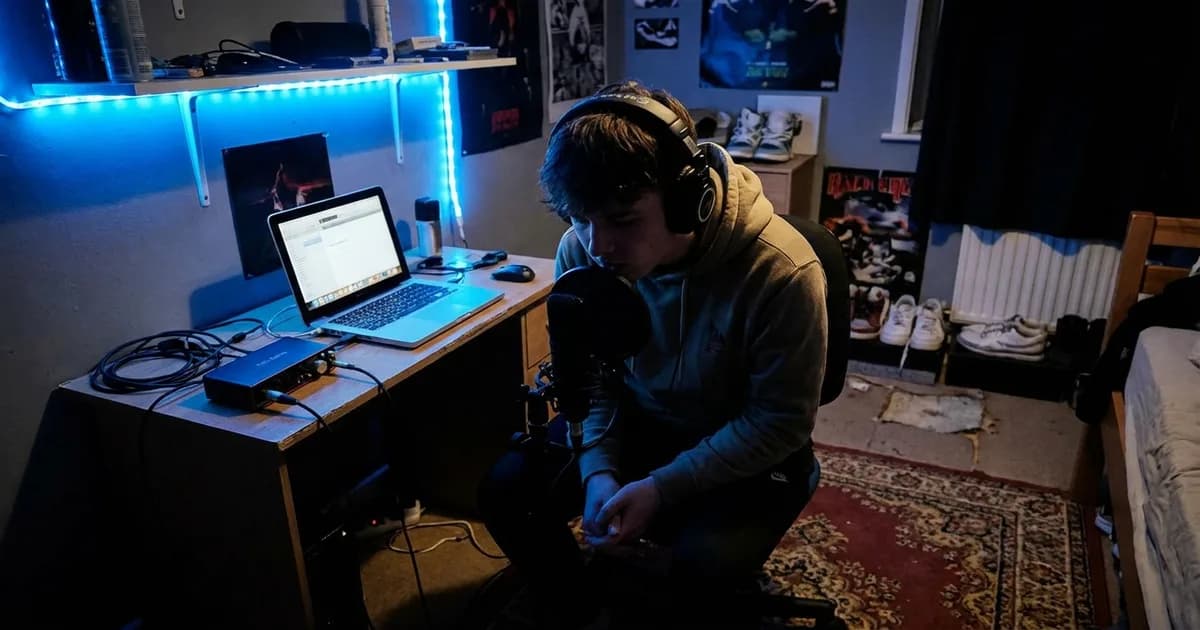
Get close to the mic. 2-3 inches. The proximity effect adds low-end weight that feeds beautifully into the distortion chain. Yeat's vocal delivery is aggressive and close -- recreate that energy.
Do not worry about a perfect recording environment. The lo-fi processing masks minor room issues. That said, extreme room echo still causes problems because reverb stacking on top of natural room reverb creates mud. A basic reflection filter is enough.
Commit to the energy in your delivery. The Yeat chain amplifies whatever you put into it. If you record a timid, careful take, the distortion and compression make it sound weak and over-processed instead of raw and intentional.
If you are working in FL Studio, route your harmony layers to a single bus channel before applying bus compression. This keeps the layers glued as one unit.
How Yeat Compares to Similar Chains
The Yeat chain is closest to the Playboi Carti vocal chain in distortion and lo-fi character. The difference is that Carti leans harder into pitch-shifting as a primary effect, while Yeat uses pitch-shifted harmonies as supporting layers.
Compared to the Drake vocal chain, the Yeat chain is the polar opposite. Drake is about warmth, clarity, and intimacy. Yeat is about destruction and texture. If you find the Yeat chain too extreme, the Lil Baby vocal chain offers a middle ground -- clean and controlled but still modern.
Signal Chain Order
- Auto-Tune
- Compressor (smash it)
- Distortion/Saturation
- EQ (lo-fi)
- Pitch-shifted harmony layers (parallel)
- Bus compression on all layers
- Reverb (send)
- Lo-fi processing (subtle)
Frequently Asked Questions
Is the Yeat sound just bad mixing on purpose? No. It is intentionally degraded processing applied to a well-recorded vocal. There is a difference between a poorly recorded vocal and a clean vocal run through distortion, compression, and lo-fi effects. Start with the cleanest recording you can get, then destroy it in the chain.
What is the most important plugin in the Yeat chain? The saturation/distortion stage. If you only had one plugin to make your vocal sound like Yeat, it would be CamelCrusher or similar distortion pushed hard. Everything else supports the distortion.
Can I use the Yeat chain for singing or only for rapping? You can use it for melodic singing. Yeat himself is melodic -- the chain is designed for pitched vocals run through heavy processing. Just make sure your Auto-Tune retune speed is moderate (5-15ms) so the pitch correction tracks your melodies correctly.
How do I keep my vocals from sounding like complete noise with this much processing? The key is gain staging. Make sure each plugin receives signal at a healthy level (around -12dB to -6dB peak) rather than clipping the input. Distortion should be generated by the plugin's drive control, not by overloading the input. The EQ step is critical for shaping the distortion into something musical rather than noise.
Get YOUR Sound Instantly
Building this chain from scratch takes time, and getting the saturation balance between "stylistically destroyed" and "actually bad" is tricky. Browse our vocal presets to load the Yeat-style sound in one click -- then get back to actually recording instead of tweaking plugins for hours. We also have free vocal presets if you want to test drive the vibe before committing.