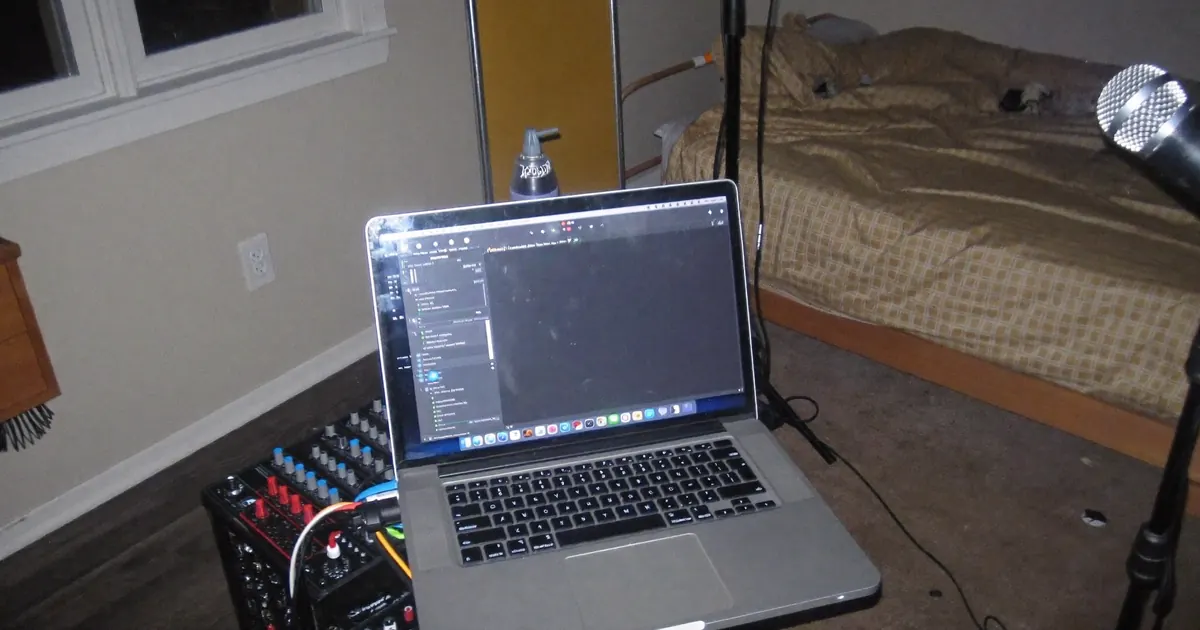
Vocal ChainStock Plugins
How to Mix Vocals with Stock Plugins (No Waves Needed)
Vocal chain presets let you mix with stock plugins in FL Studio, Ableton, and Logic. No Waves required — load Vocalux or build the native order and record.
Read more →
Tutorials, tips, and marketplace guides tagged FL Studio.
Vocal chain presets let you mix with stock plugins in FL Studio, Ableton, and Logic. No Waves required — load Vocalux or build the native order and record.
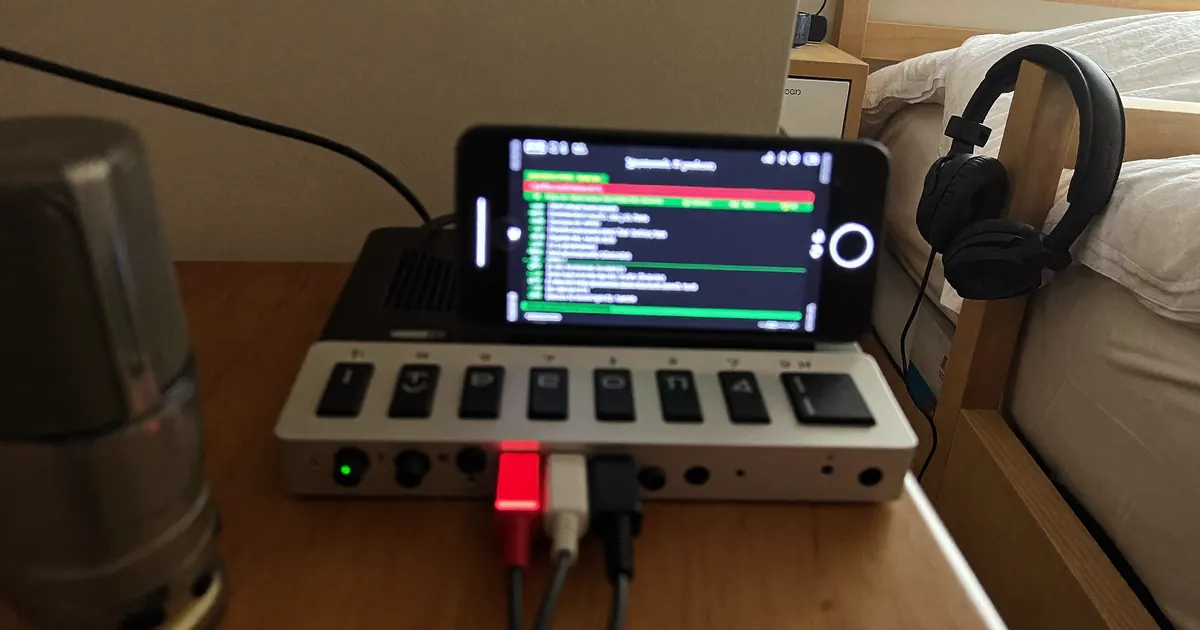
An FL Studio vocal chain is a mixer insert — or one Patcher slot — in a fixed order: tune, EQ, compress, catch, then space. Here is the stock setup.

How to mix vocals in FL Studio is mixer routing, Pitcher or Newtone, then EQ, compression, and a Fruity limiter — or load a preset and record. Here is the FL-specific path.

The best free autotune in 2026 is a tuner that holds your key, plus a chain after it so the take sits on the beat. Here is what is actually worth installing.

How to use Auto-Tune on vocals in FL Studio, Ableton, and Logic — retune speed, key, and humanize settings for rap vs R&B, without sounding robotic.

You just bought a vocal preset pack — now what? This step-by-step guide shows you exactly how to load it into FL Studio so your vocals stop sounding like a bedroom recording.

The best vocal presets for FL Studio in 2026 — tested on real recordings. Free downloads, genre packs, and how to get your vocals sounding like a real release.

You don't need to spend money to start releasing music that sounds professional. These free vocal presets actually work — for FL Studio, Logic Pro, and Ableton.