Best Trap Vocal Presets in 2026
VP
VocalPresets Team
7 min read
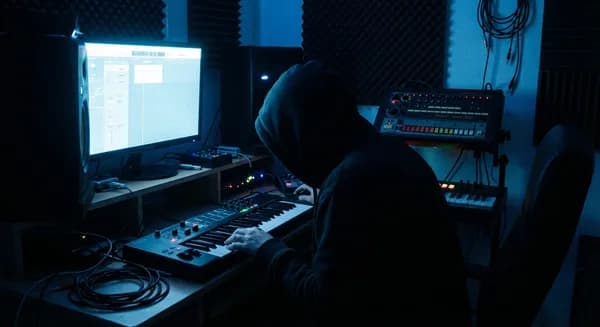
Trap is a vibe and a sound. The 808s, the hi-hat rolls -- sure. But the way the vocal sits inside all of that is a huge part of what makes a trap record feel right. That underwater reverb, the slightly overdriven edge, the Auto-Tune that's there but feels natural -- that's the sound you're chasing when you hit record in your bedroom.
Here's how to get your vocals there with the right trap vocal presets.
What Makes Trap Vocals Sound Like Records
When you play back your recordings and they don't quite feel like the trap records on your playlist, here's what's usually missing:
Hard compression. Trap vocals sit on top of heavy 808s. Your voice needs to be glued down tight so it doesn't disappear when the bass drops. The vocal chain you hear on records uses aggressive compression -- sometimes parallel compression -- that gives vocals that thick, dense quality. Start with a ratio of 5:1 to 8:1, fast attack (5-15ms), and aim for 6-8 dB of gain reduction. In FL Studio, the Fruity Limiter in compressor mode handles this. In Logic Pro, the Vintage VCA compressor is built for this kind of aggressive control.
Saturation and warmth. Bedroom recordings through an audio interface sound clean but thin. A saturation stage adds weight and grit that makes your voice feel like it belongs on the beat instead of floating above it. Soundtoys Decapitator is the industry go-to, but the free Saturation Knob by Softube or FL Studio's Fruity Soft Clipper both do the job at zero cost. Run it after your compressor with light drive -- you should feel the warmth more than hear the distortion.
Auto-Tune as an instrument. In trap, pitch correction at a faster speed isn't a fix -- it's an aesthetic choice. The vocal snapping to pitch is part of the sound, especially on melodic hooks. Learning when to use corrective tuning (retune speed 20-40ms, barely noticeable) vs. aesthetic tuning (retune speed 0-10ms, obvious pitch snapping) is key. Auto-Tune Pro is the standard, but Auto-Tune Access ($99) does 90% of the same thing. Free option: MAutoPitch by Melda handles basic pitch snapping. For a deep dive on the aesthetic side, read our Future-style trap vocals guide.
Dark, atmospheric reverb. Trap reverb sits low in the mix but creates a mood you can feel. Long tails (2-3 seconds), set quiet (20-30% wet on a send), create atmosphere without muddying your voice. On ad-libs, the reverb can be bigger and more washed to contrast with a drier lead vocal. Damp the high frequencies in the reverb -- trap reverb should be dark and moody, not bright and shimmery.
Delay for depth. A subtle dotted-eighth delay at low volume creates movement and space in your vocal. You should only notice it when the vocal is solo -- in the full track, you just feel the depth. Sync it to your BPM with low feedback (2-3 repeats). Keep the delay darker than your dry vocal by rolling off the highs on the delay return.
Best Trap Vocal Presets in 2026
Caution

Vocal Labs
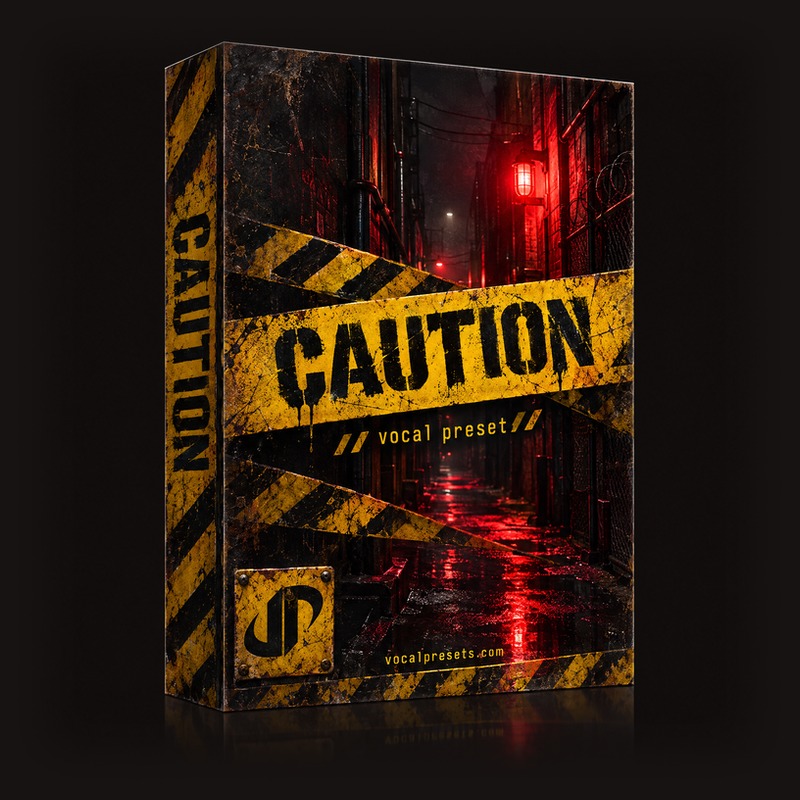
$14.99Caution is the dark, heavy trap vocal preset. If your songs are built on dark minor keys and heavy 808s, this preset makes your voice match that energy. Brooding, aggressive, and right where it needs to be. The compression is set for density, and the EQ curve emphasizes the midrange presence that cuts through bass-heavy beats.
Drill
Vocal Labs
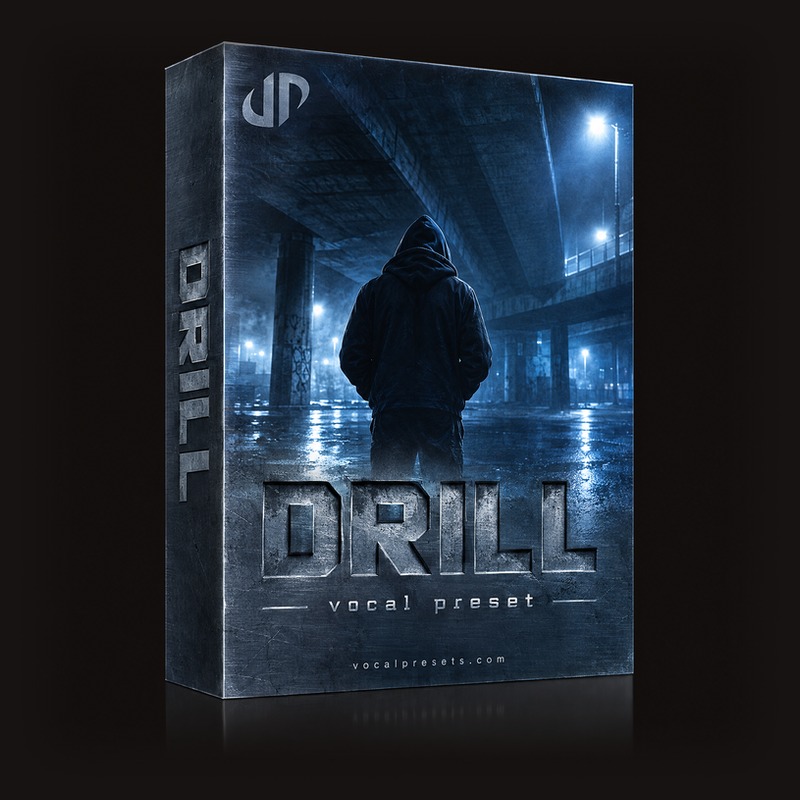
$14.99Drill crosses over from trap into drill and NY Drill territory, but the processing overlaps heavily. If your trap leans aggressive and gritty, this preset delivers. Works in every DAW -- FL Studio, Logic Pro, Ableton, and Pro Tools.

Wasted
Vocal Labs
$14.99Wasted is the lo-fi trap sound -- distorted edges, grit, personality. If your style is raw and unapologetic, this preset matches that energy. Think the rougher side of trap where imperfection is the point. The saturation is pushed harder here, which works for darker, more aggressive tracks.

Stargaze
Vocal Labs
$14.99Stargaze is for melodic trap specifically. If you're singing hooks over trap beats -- the kind of song that lands on Spotify playlists and takes off on TikTok -- this preset gives your voice the warmth and atmosphere to compete. The reverb and delay are more prominent here, creating that spacious, emotional sound melodic trap requires.
Free
Big Drip
Vocal Labs
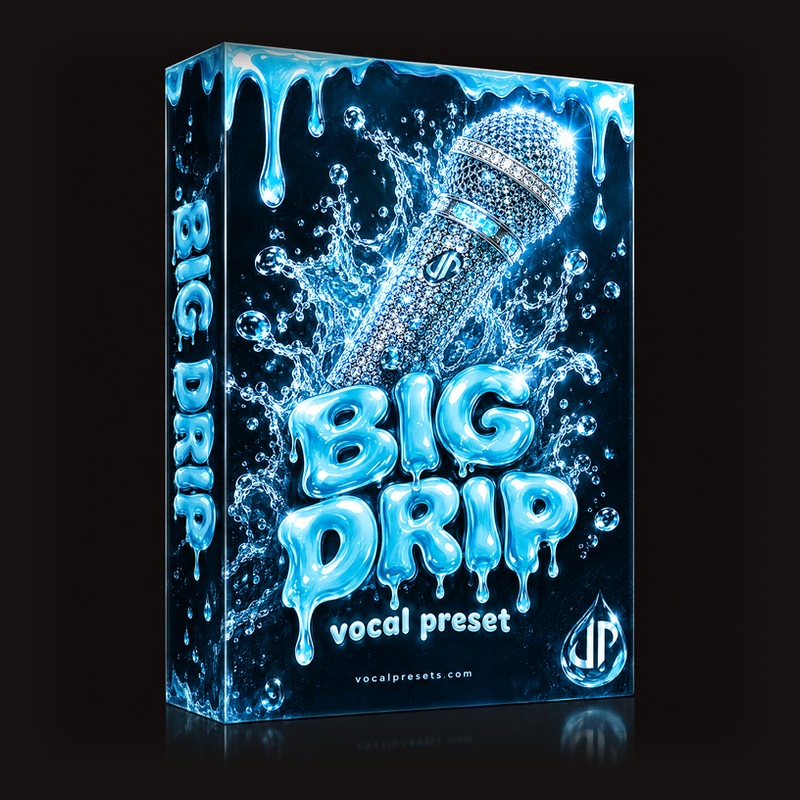
FreeBig Drip sits at the hip-hop crossover -- versatile enough for both straight rap and melodic trap, with the presence and glue that makes your recordings sound competitive. If you switch between rapping and singing within the same song, this is a strong all-around choice.
Browse more:
The Trap Vocal Chain Explained
Here's what's happening inside these presets, step by step:
- High-pass filter at 120-150Hz -- the 808 owns everything below this, your voice lives above it
- Compressor -- 5:1 to 8:1 ratio, fast attack, medium release. Heavy gain reduction (6-8 dB).
- Saturation -- light drive for warmth, or heavier for lo-fi grit
- EQ -- cut mud at 200-300Hz, boost presence at 2-4kHz, cut harshness at 5-7kHz if needed
- De-esser -- targeting 6-8kHz, moderate threshold
- Pitch correction (optional) -- before or after compression depending on your workflow
- Reverb on send -- dark plate or hall, 2-3 second decay, high-frequency damping
- Delay on send -- dotted eighth, BPM-synced, low feedback, low mix
The order matters. Saturation after compression adds warmth to an already controlled signal. De-essing after EQ catches any sibilance introduced by presence boosts.
Melodic Trap vs Hard Trap: Different Preset Needs
Not all trap is the same, and the vocal processing reflects that.
Melodic trap (singing over trap beats, emotional hooks) needs more reverb, more delay, warmer saturation, and gentler compression. The vocal should float and breathe. Stargaze and Big Drip are built for this.
Hard trap (aggressive bars, punchlines, energy) needs harder compression, less reverb, more grit, and a drier, more upfront vocal. Caution and Drill handle this side.
If your songs blend both styles -- rapping in the verses, singing on the hook -- consider using different presets for different sections. Route your verse and hook vocals to separate mixer channels and load the appropriate preset on each. This is how most professional trap records are actually mixed.
Tips for Recording Trap Vocals at Home
Get close to your mic. Trap vocals are recorded 4-6 inches from the mic with a pop filter. That proximity adds low-end warmth and intimacy to your voice. Don't back away from the mic -- that's for acoustic music, not trap.
Record line by line if you need to. A lot of trap artists punch in word by word or line by line to get every bar exactly right. The final vocal is stitched together from dozens of small takes. This is normal. Don't feel like you need to nail a full verse in one pass. In FL Studio, Edison makes punch-in recording straightforward. In Logic, Quick Punch mode handles this.
Lay down your ad-libs last. After your lead vocal, hook, and any doubles are done, go back and record ad-libs as a separate pass. Think of them as seasoning -- a few targeted ones make the song pop. Don't overdo it. Process ad-libs on their own bus with more reverb and possibly more saturation than the lead.
Stack your hooks. On the chorus, record at least 2-3 layers: your main vocal, a double (same performance, slightly different timing), and an octave above or below. Blend them at different volumes -- the layers should support your lead, not compete with it. High-pass your doubles higher than your lead (try 200Hz) to reduce low-end buildup.
Let the 808 own the low end. Set your high-pass filter around 120-150Hz. Your voice lives in the mids and highs. The 808 owns everything below that. Fighting over the same frequencies is the fastest way to make your track sound muddy. This is the single most important mix move for trap.
Frequently Asked Questions
What's the difference between trap vocal presets and hip-hop vocal presets?
Trap presets tend to be more atmospheric (more reverb, more delay, darker tone) and often assume Auto-Tune will be part of the chain. General hip-hop vocal presets are usually drier and more focused on clarity and punch. If you're making melodic trap, go with trap-specific presets. If you're straight rapping over trap beats, a hip-hop preset might actually be a better starting point.
Do I need Auto-Tune for trap vocals?
For melodic trap (singing hooks, melodies), yes -- it's part of the aesthetic. For straight rapping over trap beats, you don't need it. If you're unsure, try MAutoPitch (free) to experiment before buying Auto-Tune. Set the retune speed based on how obvious you want the effect: 0-10ms for the classic trap sound, 20-40ms for subtle correction.
Can I use trap vocal presets in FL Studio?
Absolutely. FL Studio is the most popular DAW for trap production. Most vocal presets on VocalPresets.com include FL Studio-compatible formats. Load them into your mixer inserts and you're ready to record. See our full FL Studio vocal presets guide for setup details.
How do I make my trap vocals louder without clipping?
That's what compression and saturation are for. Heavy compression (6-8 dB of gain reduction) makes your vocal consistently loud. Saturation adds perceived loudness through harmonic content without actually increasing the peak level. After your vocal chain, use makeup gain to bring the compressed signal back up. If you're still clipping, your input level is too hot -- turn down the fader before the chain.
Related reads: Best Drill Vocal Presets 2026 | Best R&B Vocal Presets 2026 | Best Free Vocal Presets
Find the preset that matches your sound. Browse vocal presets built for bedroom artists, or start free with our free vocal presets collection.