Best Hip-Hop Vocal Presets in 2026
VP
VocalPresets Team
7 min read
You know that feeling. You write a verse, lay it down, play it back through your headphones -- and your voice sounds like it's floating above the beat instead of sitting inside it. The words are right, the energy is there, but it doesn't sound like a record yet.
That gap between what you hear in your head and what comes out of your speakers is exactly what vocal presets fix. Instead of spending hours tweaking knobs you barely understand, you load a preset chain built by someone who already figured it out. Your voice goes from "bedroom demo" to "wait, who mixed this?" in about ten seconds.
Why Your Hip-Hop Vocals Don't Sound Like Records (Yet)
The artists you hear on Spotify have their vocals run through a complete vocal chain that costs thousands of dollars in studio time. Here is what is happening under the hood:
Heavy compression -- Your voice needs to sit on top of heavy 808s and kicks without disappearing. Compression glues your vocal down so every word hits evenly. On records, the sustain of each word is exaggerated while the crack of your consonants stays sharp. Start with a ratio around 4:1, attack at 10-15ms, and release around 40-60ms. You want the compressor grabbing 4-6 dB of gain reduction on your loudest words. In FL Studio, Fruity Limiter handles this well. In Ableton, the stock Compressor with sidechain filtering works. In Logic, the Vintage VCA compressor is the go-to.
Saturation -- When you record into your interface and DAW, the vocal comes out clean but thin. A little saturation adds warmth and fullness that makes your voice sound like it was tracked through expensive analog gear -- not a $200 interface in your bedroom. Try driving a saturation plugin until you hear 2-3 dB of harmonic content being added. SoundToys Decapitator is the gold standard, but free options like Softube Saturation Knob or Camel Crusher get you close.
High-pass filter -- Everything below 100-150Hz on your vocal is just room rumble competing with your 808. Rolling that off instantly cleans up the low end and lets the bass breathe. Set your high-pass at 80Hz for deeper voices, 120Hz for higher voices. Adjust until the bass in your beat stops fighting your vocal.
Reverb -- used right. Too much and you sound like you recorded in a bathroom. Not enough and it sounds unfinished. Classic boom-bap keeps it dry and in your face. Trap and melodic hip-hop use more space. Knowing your lane matters here. For trap vocals, try a plate reverb with a 1.2-1.8 second decay, pre-delay around 30ms, and mix it at 15-20% wet. For boom-bap, cut that decay to under a second and keep it at 8-12%.
Delay -- A subtle slap delay (around 80-120ms) creates presence without drowning your voice. A lot of that "closeness" you hear on modern rap vocals comes from delay, not reverb. Set a mono delay at 1/16 note, feedback at 10-15%, and mix it around 12-18%. This fills the space between your words without cluttering the verse.
Budget Setup: Professional Hip-Hop Vocals for Free
You do not need to spend hundreds on plugins to get a solid hip-hop vocal chain. Here is a free setup that genuinely works:
- TDR Nova (free dynamic EQ) -- Use it as your main EQ with a high-pass filter and a gentle 2 dB cut around 400Hz to reduce boxiness.
- TDR Kotelnikov (free compressor) -- Transparent compression that handles rap vocals beautifully. Set the ratio to 4:1 and let it grab 3-5 dB.
- Softube Saturation Knob (free) -- One knob, instant warmth. Turn it to about 30-40% for subtle analog character.
- Valhalla Supermassive (free) -- While it is technically a delay/reverb hybrid, it creates incredible spatial effects for melodic hip-hop vocals.
- Your DAW's stock reverb and delay -- Every major DAW ships with reverb and delay that are good enough for release-quality music.
This free chain will get you 85% of the way to a professional sound. The remaining 15% is where paid presets and premium plugins earn their keep -- tighter compression algorithms, more musical saturation, and reverbs that sit more naturally in a mix.
Best Hip-Hop Vocal Presets in 2026
These presets are built for artists recording hip-hop vocals at home:
Free
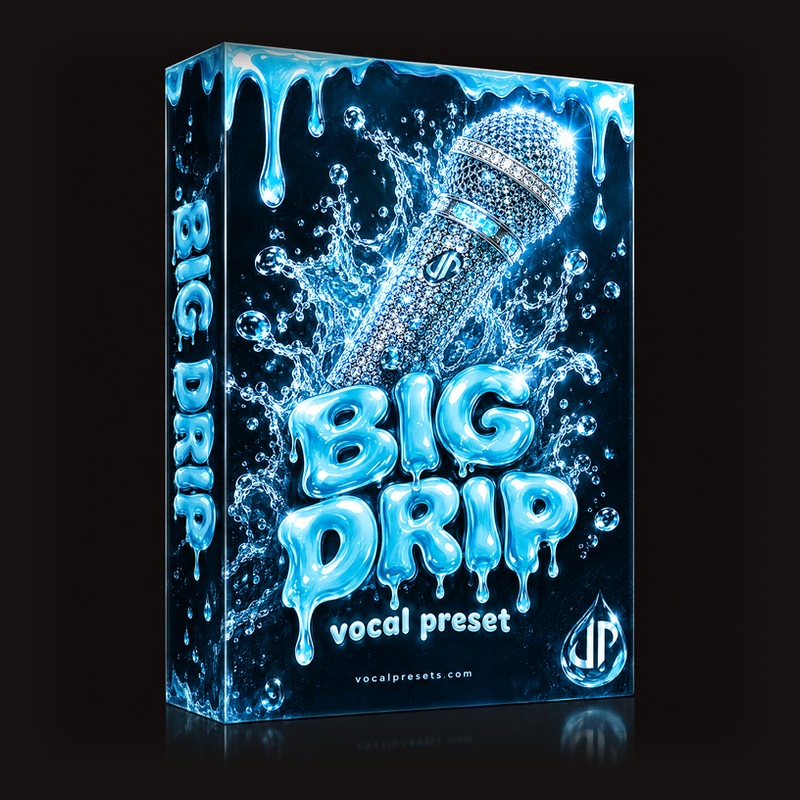
Big Drip

Vocal Labs
FreeBig Drip is the go-to for modern Hip-Hop and Pop/Rap crossover. Load it up, record your verse, and your voice has the glue, presence, and air that streaming-ready rap records need. Works in FL Studio, Ableton, and Logic.
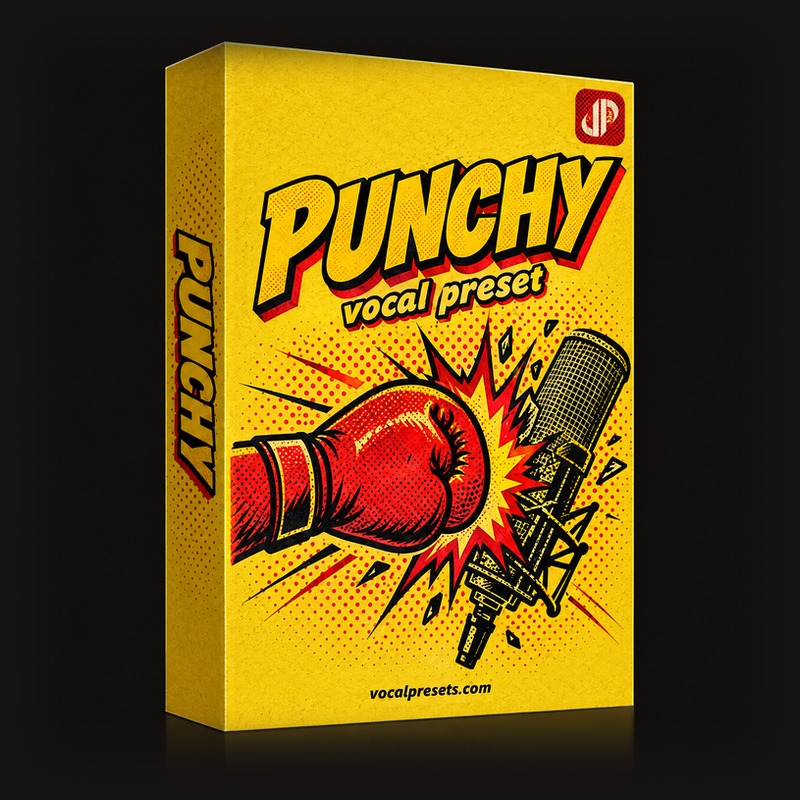
Punchy
Vocal Labs
$14.99Punchy is for when your delivery is high-energy and aggressive. If you are spitting fast or rapping with intensity, this preset makes sure your voice cuts through the beat like it is supposed to. The compression is tighter here, catching every syllable even at double-time speeds.
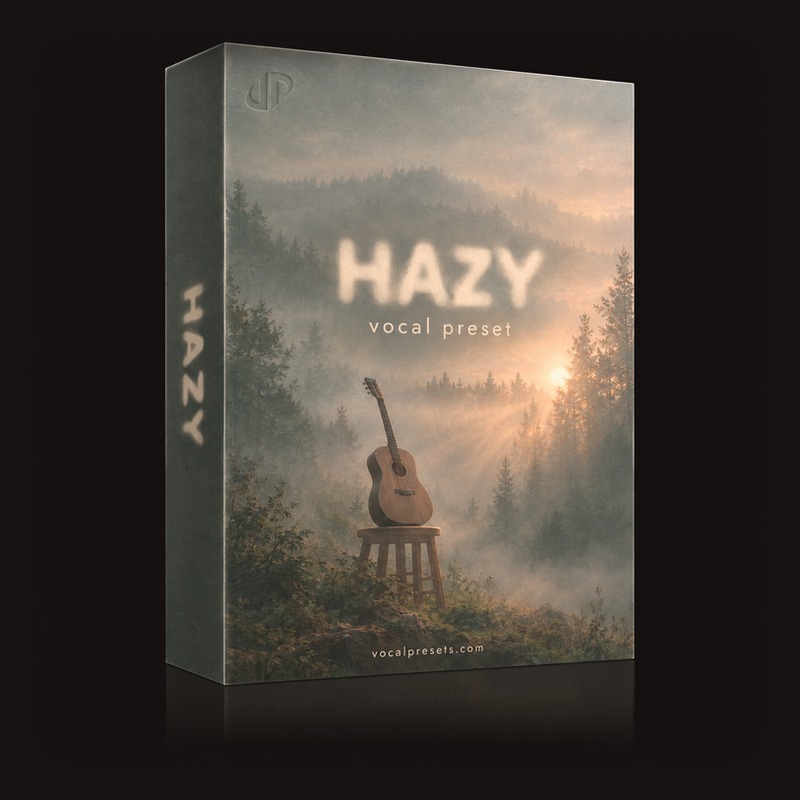
Hazy
Vocal Labs
$14.99Hazy is for the more melodic side -- if your songs lean introspective or your vibe is more atmospheric and emotional, Hazy gives your voice that slightly dreamlike quality that fits those records. Pairs well with Auto-Tune or Melodyne set to a moderate retune speed around 20-35ms.
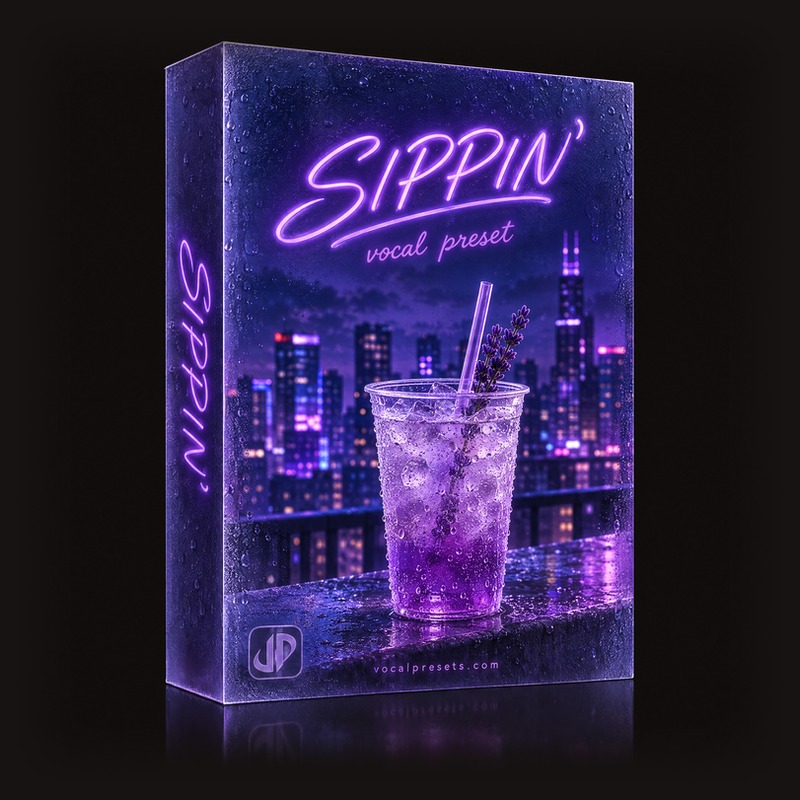
Sippin'
Vocal Labs
$14.99Sippin is the laid-back sound. If you are making the kind of music people play late at night or at a cookout -- chill beats, easy flow -- this preset wraps your voice in warmth without fighting anything in the track. The reverb tail is longer here, letting your words hang in the air.
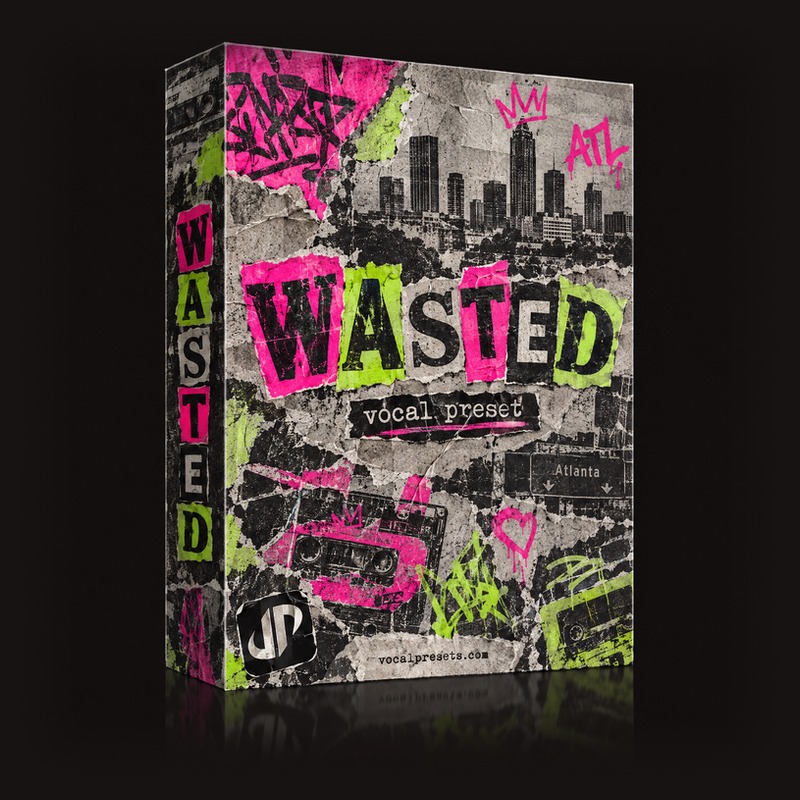
Wasted
Vocal Labs
$14.99Wasted adds that raw, distorted edge that has been all over Hip-Hop and Trap. Lo-fi grit, personality, attitude. If your style is more about energy and vibe than lyrical perfection, this is your preset.
Or browse our vocal presets for the full collection:
Tips for Recording Better Hip-Hop Vocals at Home
Record your verse multiple times and pick the best parts. Do not try to nail it in one take. Record it three to five times, then take the best line from each pass. This is called comping, and every artist whose music you stream does it. Even one comp pass makes a massive difference. In FL Studio, use the playlist to stack takes. In Logic, use Take Folders. In Pro Tools, use Playlists.
Double your hooks. Record your chorus at least twice with slightly different energy each time. Layer them together with the double sitting about 4-6 dB below the lead. Pan the doubles slightly left and right (15-20%). This is one of the simplest things that separates a bedroom recording from something that sounds like an actual release.
Do not over-tune your voice. Pitch correction is part of the sound, but if you tighten it too much, you lose the emotion that makes your delivery yours. Set your Auto-Tune retune speed to 15-25ms for a natural sound, or 0-5ms if you want the hard-tune effect. There is no in-between that sounds good.
Keep your ad-libs quiet. Ad-libs should be felt, not competing with your lead vocal. Pull them at least 6-8 dB below your main voice. They add texture and energy without cluttering your song.
Record at the right distance. Stay 6-8 inches from the mic for consistent tone. Too close and you get proximity effect -- boomy low end that muddies everything. Too far and you pick up more room sound than voice.
Troubleshooting Common Problems
Your voice sounds boxy or muddy. Cut 2-3 dB around 300-500Hz with a narrow Q. This is almost always room reflections building up in your bedroom. A vocal chain built for your space handles this, but knowing where the problem lives helps you fix it faster.
Your voice sounds harsh or sibilant. A de-esser targeting 5-8kHz fixes harsh "s" and "t" sounds. Set the threshold so it only catches the loudest sibilants -- around 3-5 dB of reduction. Do not over-de-ess or your words will sound lispy.
Your voice disappears when the beat drops. Your compression is not working hard enough, or your vocal needs a 2-3 dB boost around 2-4kHz for presence. This is the frequency range where your voice cuts through heavy production.
Frequently Asked Questions
Do I need different presets for verses and hooks? Usually, yes. Your verse delivery and your hook delivery hit the mic differently. Many artists use one preset for verses (less reverb, tighter compression) and a separate one for hooks (more space, wider stereo image). At minimum, automate your reverb send to be higher on the chorus.
Should I record with the preset on or add it after? Record with the preset active so you can hear how your voice will sound in context -- it helps your performance. But make sure you are recording the dry signal separately. In most DAWs, input monitoring with effects does not print the effects to the audio file, so your raw take stays clean.
What microphone works best for hip-hop vocals at home? The Audio-Technica AT2020 ($100) and Rode NT1 ($270) are the two most popular choices for bedroom hip-hop vocals. Condenser mics capture the detail and presence that rap vocals need. If your room is untreated and noisy, a dynamic mic like the Shure SM7B handles room reflections better.
How do I know if my vocal is loud enough in the mix? Pull your vocal fader down until you can barely hear it over the beat, then slowly raise it until every word is clear. That is your starting point. Most bedroom artists mix their vocals too loud because they are listening on headphones. Check your mix on a phone speaker -- if the vocal overwhelms the beat on phone speakers, it is too loud.
One More Thing
Before you even load a preset, make sure your recording is as clean as possible. our free vocal enhancer strips background noise and room sound in seconds -- your fan, your AC, the hum from your interface. Give your preset better raw material and the results improve dramatically.
Check out our free vocal presets if you want to test the difference before committing to a full pack. Your voice already has what it needs. The right preset just makes sure the rest of the world hears it the way you do.