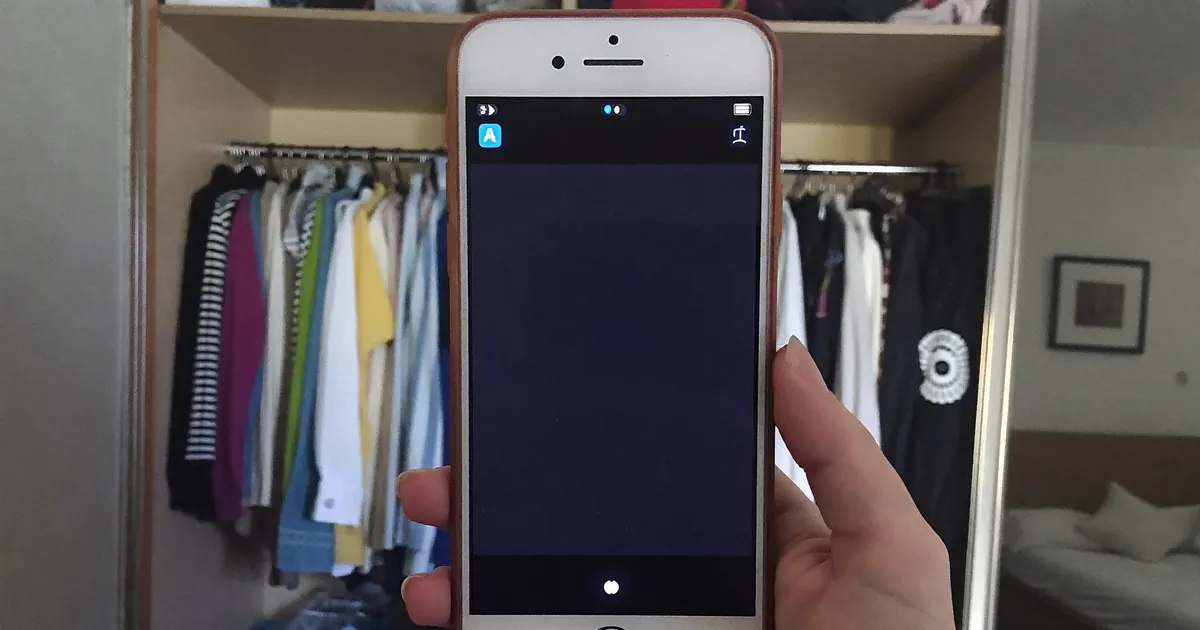
BandLab Auto-Tune: Tuned Vocals on Your Phone
VP
VocalPresets Team
7 min read
BandLab Auto-Tune is the pitch module inside Voice Effects. You set the song's key, choose how hard it pulls, and then mix. It will not turn a mumbled memo into a finished record by itself. It will hold notes on a phone take so you can finish the song tonight.
Most artists start in FL Studio with a desktop tuner. If you are on BandLab, you are already in the session. Tune here. Mix next. The mix order is
. Do not skip that and stack three Voice Styles on a still-wrong key.
Top Bandlab Presets
Free
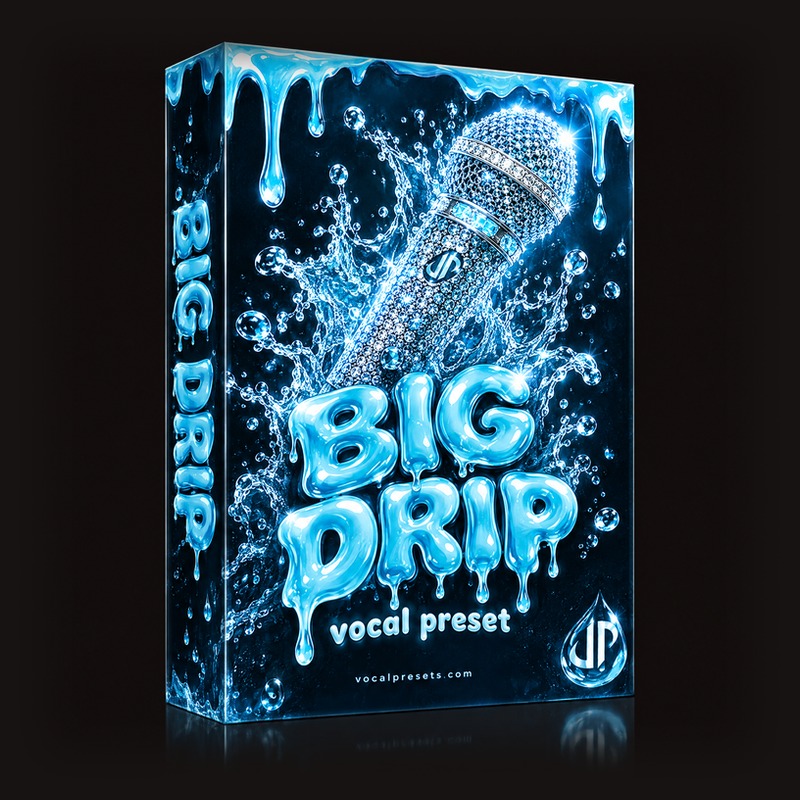
Big Drip

Vocal Labs
Free
Free
Interview
Vocal Labs
Free
Sippin'
Vocal Labs
$14.99
Studio Polish
Vocal Labs
$14.99Where BandLab Auto-Tune actually is
Open the vocal track. Open Voice Effects (or FX / Mix, depending on the build). Find Pitch Correction, Autotune, or the pitch slider in that panel. Names move around when BandLab updates the app. The job does not: key, amount, and whether you can still hear your scoops.
If you cannot find it, you are on the beat track. Arm the vocal.
This is not Antares Auto-Tune on a desktop. It is a phone tuner with fewer knobs. That is enough for a lot of independent artists. It is not enough if you expected a studio print.
The beginner language for any tuner - key, retune speed, humanize - is
. BandLab just gives you less to twist.
Set the key before you touch speed
Wrong key is why BandLab Auto-Tune sounds broken. The plugin can only pull toward notes in the scale you gave it. If the beat is in F# minor and you left C major on, every line will fight you.
- Ask whoever made the beat
- Use BandLab's tuner or a free piano app and find the root
- Try relative major / minor if the first guess pulls to weird notes
- Change key per song. Do not reuse last night's setting
Amount or speed comes second. For singing and melodic rap, start slower than the app's default. For a hard rap effect, go faster on purpose.
If one word is the problem, punch that bar again. Do not max the tuner to hide a bad take.
Melodic rap and the Juice WRLD search
A lot of people open BandLab looking for a Juice WRLD Auto-Tune preset. The app does not ship his session. What they want is a mid-fast tune, sad melody, and a mix that is not a bathroom reverb.
On the phone:
- Key of the beat
- Tune amount in the middle, then sneak up until the slides still exist
- Small room, not a cathedral
- Lead louder than the ad-libs
That will get you in the lane. It will not be his voice. For the full desktop chain - Heartbroken, Hazy, the honest "adjacent, not official" talk - read
. Use BandLab Auto-Tune to capture the idea. Use that post when you print the version you care about.
Same rule as every artist page on this site: the tuner is a tool. The writing is the record.
Tune, then mix. Do not reverse it.
If you soak the vocal in reverb and then slam BandLab Auto-Tune, the tuner hears a smeared room. Pitch gets grabby. The mix gets metallic.
Order:
- Dry-ish take
- BandLab Auto-Tune / Pitch Correction
- EQ and compression
- Reverb and delay
- Optional Mastering on the whole song, not as a substitute for key
That is the same order as
. Pitch is one module. It is not the mix.
If the tuned vocal still sounds like a voice memo, the room or the EQ is the problem. Go back to that post. Do not add more Autotune.
How hard should it pull?
Use your ears on a cheap speaker, not the icon.
- Slow / low amount: singing, R&B, verses you want human
- Medium: melodic rap hooks
- Fast / high: the effect is the point
If you hear flutter on held notes, the amount is too high or the key is wrong. If you hear nothing, you are not in the scale, or the module is bypassed.
Doubles: tune them, but not always the same amount as the lead. Identical pitch on three stacked takes can sound like a cheap chorus. A little less tune on the sides keeps the hook wide.
Spoken ad-libs: bypass pitch. Tuned talking is a meme, not a mix.
What BandLab cannot do (and the free next step)
BandLab Auto-Tune will not import an Antares preset. It will not load a VocalPresets.com mixer file.
already said that. The workaround is still: get a dry vocal you like, then finish on a desktop DAW.
When you get to a laptop, Big Drip is the free chain to hear a finished, radio-bright vocal path - the kind of sheen people keep trying to fake with BandLab Voice Styles.
Free
Big Drip
Vocal Labs
FreeIt runs in FL Studio, Ableton Live, and Logic Pro. It does not load inside BandLab. That is fine. Use the phone to write. Use the desktop to print.
More free chains: /free-vocal-presets and
.
If you want stock-plugin depth later, that is a different shopping trip. Tonight, set the key.
Phone habits that make the tuner work
- Headphones so the beat does not retune into the mic
- Same mouth-to-phone distance
- Do not shout the tuner into clipping
- Record a second pass if one word is the only problem
A tuner on a clipped phone file grabs harmonics you did not mean to sing. Lower the input. Sing again.
Save your Voice Effects once the key and amount work. Name it by key if you reuse beats in the same scale. "Tune F#m Melodic" is more useful than "Vocal 3."
Chromatic vs the song scale
If BandLab offers a scale or chromatic mode, use the scale of the song. Chromatic lets every half-step through. That can feel safer and still sound drunk if the amount is high.
Scale mode is stricter. It is the one that makes a melody snap - and the one that sounds sour when the key is wrong.
Male voices sitting low sometimes need you to confirm the octave of the melody, not just the key name. If the tuner jumps to a thin, high neighbor, you sang a blue note the scale does not allow. Either change the note or slow the pull so the scoop can live.
Female voices and stacked harmonies: tune the lead first. Then tune the harmony in the same key with a little less amount so the pair does not turn into one plastic note.
Export a dry tuned take
When the phone session is the demo, export two files:
- Dry, or as dry as BandLab will give you
- Tuned but not soaked in hall
That pair is what you drag into FL Studio, Ableton Live, or Logic Pro later. BandLab Auto-Tune already did the emergency pitch. A desktop chain like Big Drip can then do the tone.
If you only export the full wet mix, you are stuck with that room forever. That is how phone songs die in the folder.
Mistakes that make BandLab Auto-Tune ugly
- Leaving last night's key on a new beat
- Maxing amount because one word was flat
- Tuning after a huge reverb
- Tuning the beat by accident
- Stacking a Voice Style that also includes pitch
- Clipping the phone mic and asking the tuner to follow distortion
- Comparing your take to a mastered Juice WRLD file and raising amount until it hurts
Fix the take. Then use BandLab Auto-Tune as a holder, not a costume.
One tuner, one key, one take
Do not stack BandLab Auto-Tune on a Voice Style that already pulls pitch. Two tuners fight. You will hear warble that is not your vibrato.
If you change the beat, change the key. If you rewrite the melody into a new scale, change the key again. The module does not guess. It only pulls toward what you told it.
FAQ
Where is Auto-Tune in BandLab?
On the vocal track, inside Voice Effects (or FX). Look for Pitch Correction, Autotune, or a pitch amount slider. If you only see beat FX, you have the wrong track selected.
What key should I set for BandLab Auto-Tune?
The key of the instrumental. Not the last song. Not C major by default. If the tuner pulls to sour notes, you are in the wrong key or the relative scale is off. Fix that before you raise the amount.
Can I get Juice WRLD vocals in BandLab?
You can get a tuned, melodic-rap vocal on your phone. You cannot get his voice. Set key, use a medium pull, keep reverb small, then finish the mix. For the desktop chain people actually mean, use
.
Why does BandLab Auto-Tune sound robotic?
Speed is too fast, key is wrong, or you tuned a wet, noisy take. Slow the amount, confirm the scale, and tune before the long reverb. If you want the robot, keep it. If you want a song, back it off.
Set the key, keep the pull honest, then record the hook before you download another tuner.