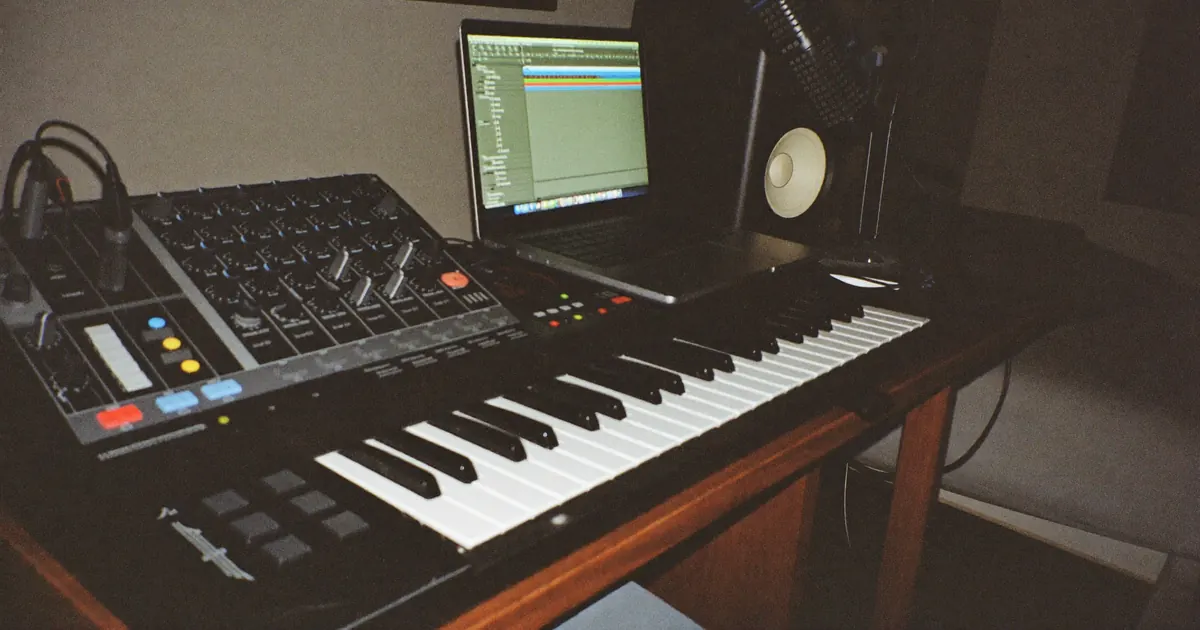
Ableton Auto-Tune: Tune Vocals in Live
VP
VocalPresets Team
6 min read
Ableton autotune is a tuner first on the vocal track — stock Pitch tools or a third-party plugin like Auto-Tune or Graillon — then the rest of the chain in an Audio Effect Rack. Live will not magically put you in key. You set the key, you pick a retune speed, and you stop the tuner from sitting last after reverb.
If you came here for an install walkthrough, that is a different post. Load the rack, then come back:
If you still need key, retune speed, and humanize in plain language:
Ableton autotune: stock Pitch vs a third-party tuner
Ableton Live can change pitch without a paid plugin. Clip transposition, Pitch MIDI on a vocal-to-MIDI workflow, and simple pitch devices get you a correction. For a modern rap or melodic-rap vocal, most artists still drop a dedicated tuner on the audio track.
Stock Pitch is enough when one phrase is a little high and you want a quiet fix. It is also enough when you are writing and do not want to open a second plugin yet.
A third-party tuner is worth it when you want the hard snap, faster tracking, or the same feel you hear on records that used Antares. Graillon 2 free is the usual no-money option. Antares is the paid reference. Auto-Tune in Live behaves like it does everywhere else: key, scale, retune speed, tuner first.
Do not run stock Pitch and Auto-Tune on the same take at full strength. They will fight. Pick one correction stage.
This is the same decision as the free-plugin roundup, just inside Live:
The Ableton vocal track, in order
- Audio track. Vocal clip. Gain so peaks sit around -12 to -18 dB. If the clip is slamming 0, the tuner and the compressor both get ugly.
- Tuner device first in the device chain. Key of the beat. Scale that matches the song. Medium retune until you decide you want the effect.
- EQ Eight. High-pass the rumble. Cut boxy low-mids if the closet is in the recording. Presence later, not first.
- Compressor. Even the verse. You want words to read, not a crushed mess.
- De-ess if S sounds jump. Live's stock tools can get you there. A dedicated de-esser is nicer, not required.
- Reverb and delay on send tracks, not stacked wet on the insert if you can avoid it. Keep the lead dry enough to sit in the center.
That order is the whole "Ableton autotune" setup. The tuner is one device. The rack is the mix.
Drop the tuned vocal into an Audio Effect Rack
An Audio Effect Rack is how you save the chain and reuse it. After the tuner feels right, group the mix devices — EQ, compressor, utility, reverb return levels — into a rack. Leave the tuner before the rack or as the first chain in the rack. Do not bury pitch after a hall reverb.
Macro knobs help if you want one "more snap" or "more air" control. You do not need eight macros. Two or three you will actually touch is enough.
If you do not want to build the rack from scratch, load a chain that already exists:

Stargaze

Vocal Labs
$14.99Stargaze is the dark, smashed, atmospheric lane — Travis / Don Toliver energy, not a promise you will sound like them. Tuner first, then this rack, then record.
For a louder, dirtier, more current rage-leaning vocal:

Yeat Vocal Preset
Vocal Labs
$24.99Again: your voice, that attitude. Saturation and space are already in the pack. Your job is the key and the take.
If you do not own Waves or Antares and you want stock devices only:
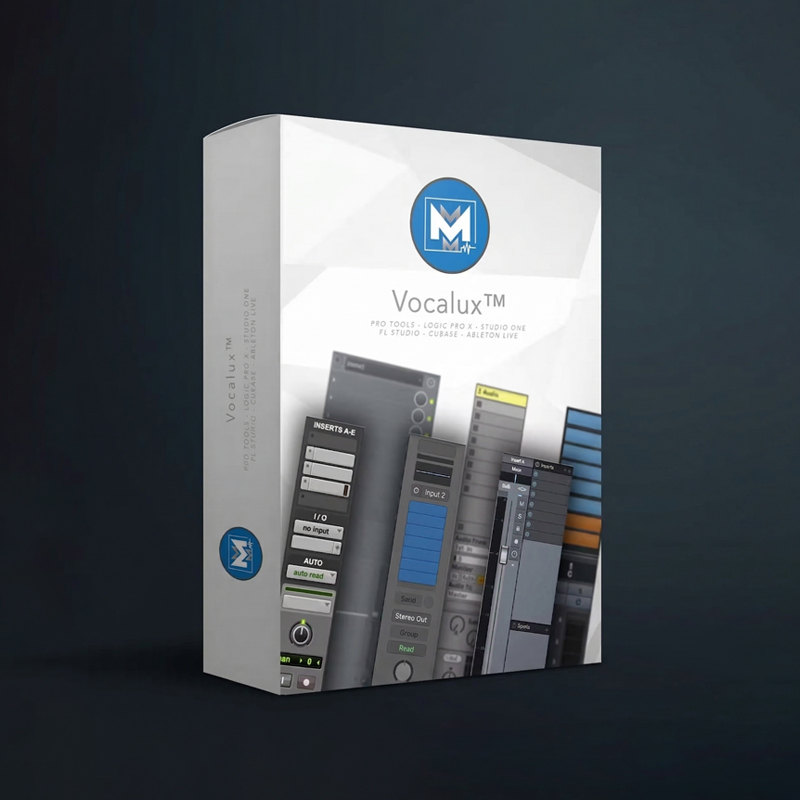
Vocalux™ – Vocal Chain Presets for Stock Plugins

Mike's Mix and Master
$19.99Vocalux is built for stock plugins in Live and the other major DAWs. It is the rack for artists who are done buying one plugin at a time.
More Ableton chains:
Top Ableton Live Presets

Free
Big Drip
Vocal Labs
Free
Free
Interview
Vocal Labs
Free
Sippin'
Vocal Labs
$14.99
Studio Polish
Vocal Labs
$14.99Live-specific tuner habits
Freeze and flatten when the tuner is greedy. Some pitch plugins tax the CPU on a laptop session. Once the verse is locked, flatten a copy. Keep the dry clip in the session.
Tune in Session view if that is where you record, arrange later. The device chain is the same in both views. Do not rebuild it when you drag clips to Arrangement.
Sidechain the beat, not the tuner. If you duck the vocal for an 808, duck after the tuner. Pitch devices hate a vocal that is pumping underneath them.
Warp is not Auto-Tune. Warp fixes time. A tuner fixes pitch. Use both if the take needs both. Do not stretch a word and then slam retune on the artifact.
Settings that match the song
Rap verse that should feel hard: retune fast, almost no humanize, short slap delay, small room. The vocal stays in the middle of the beat.
Sung hook: slower retune, a little air in the top, longer pre-delay on the reverb so the dry word hits first.
R&B: even slower. If you can hear the tuner more than the lyric, you went too far unless that is the record.
GarageBand is simpler. Live gives you more ways to ruin a good take. That is the trade. Use the extra control to leave the lead dry and put the pretty stuff on sends.
Common Ableton mistakes
Tuner last in the device list. Reverb tails get pitched. It sounds like a broken radio.
Wrong scale on a minor beat. Same problem as every DAW. Live will not guess the key for you.
A huge rack you never saved. You will rebuild it badly next session. Save the Audio Effect Rack in your Live browser after it works.
Installing the preset into the wrong folder, then blaming the pack. That is the install guide. Use it and come back.
Latency, Warp, and the dry clip
Ableton autotune gets blamed for a lot of timing problems that are buffer size. If you record with a huge buffer, you sing late. Drop the buffer while you track. Raise it when you mix. That is not a tuner setting.
Some pitch plugins add their own delay. Live can compensate. If the tuned vocal sits behind the hats, check delay compensation and the plugin's look-ahead. Flatten a copy if the plugin is fighting you.
Keep the dry clip. Duplicate the track before you commit. One track stays raw. One track gets the tuner and the rack. When you hate the snap tomorrow, you still have the performance.
Warp on a vocal clip is for lining up a late bar, not for writing melody. If you Warp hard and then slam retune, you stack two artifacts. Fix time first, or punch the bar.
Return tracks in Live are where slap and room should live. A/B the send. If the lead disappears, the send is too loud. The rack on the track stays the body of the vocal.
A 15-minute Ableton tune session
- Import or record the verse. Clip gain into a safe range.
- Set the scene or the loop around the hook.
- Drop one tuner first. Type the key. Medium retune.
- Add EQ Eight and a compressor, or load a rack you already trust.
- Send a little slap. Keep the lead centered.
- Flatten a copy of the tuned clip if CPU is dying.
- Record the next verse instead of opening a fourth tuner.
If you are still shopping devices after that, you are avoiding the take.
Monitor the input while you record, not a heavy rack in the headphones. A wet hall in the cans makes you sing quieter and later. Keep the cue mostly dry. Add the rack when you play back.
If Live's tuner plugin does not show the key of the beat, you type it. Guessing C minor on a G# minor instrumental is how Ableton autotune "breaks." Check the instrumental with a tuner or a piano roll note before you touch the vocal.
FAQ
Does Ableton Live have Auto-Tune built in?
Not the Antares plugin. Live has stock pitch tools. For the modern snap, most artists add Auto-Tune, Graillon, or another tuner on the audio track.
Should the tuner go inside the Audio Effect Rack?
It can, as the first device. Many artists keep it before the rack so they can swap tuners without breaking the mix. Either works. Last in the chain does not.
Can I use a vocal preset and Ableton autotune together?
Yes. Tuner first, preset after. The preset is the mix. The tuner is the key.
Stock Pitch or Antares for a rap vocal?
Stock for a quiet fix. Antares or Graillon for the hard effect. If you are not sure, start with Graillon 2 free, then decide if you want to pay.
Load a rack and record
Set the key. Put one tuner first. Group the rest into an Audio Effect Rack.
Stargaze
Vocal Labs
$14.99Load the rack, hit record, and drop the song.