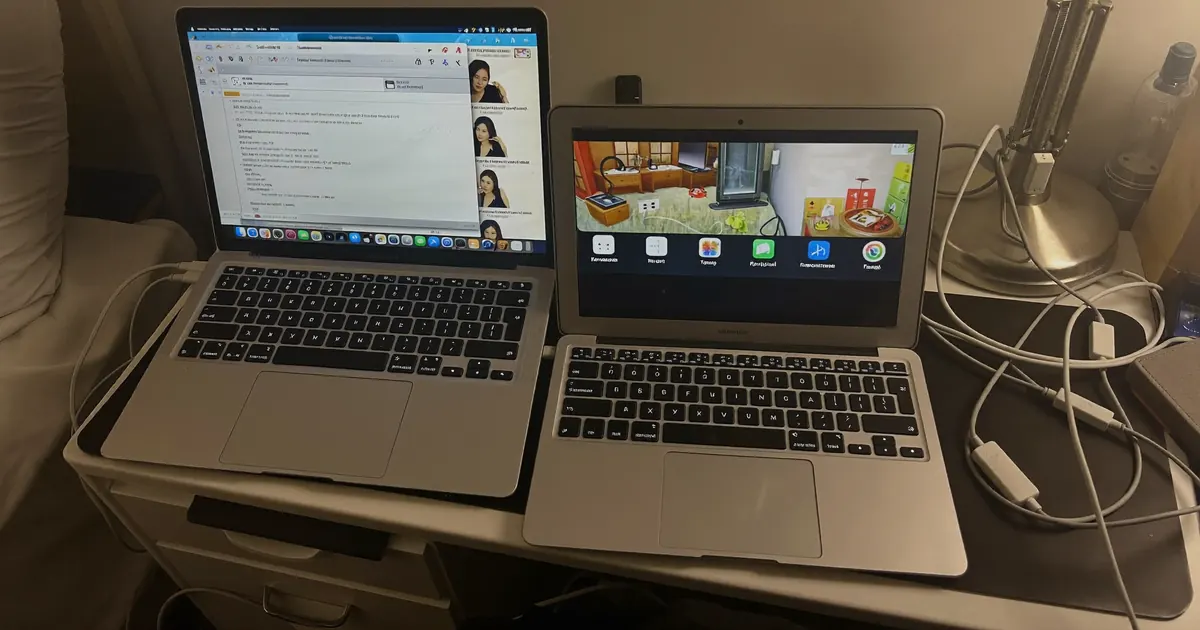
Melodyne vs Auto-Tune: Which Should You Use?
VP
VocalPresets Team
7 min read
Melodyne vs Auto-Tune is a job split, not a brand fight. Auto-Tune is the tuner you leave on so pitch becomes part of the record. Melodyne is the editor you open when a note is wrong and you want nobody to hear the fix. If you rap or sing melodic rap, you will live in Auto-Tune. If you sing and the take is almost there, Melodyne saves the take.
Melodyne vs Auto-Tune: what actually changes
Both tools move pitch. They do not do the same job.
Auto-Tune — and Graillon, Waves Tune Real-Time, FL Studio Pitcher, stock pitch — listens as you sing and snaps notes toward a scale. Fast retune speed is the rap and R&B effect. Slow speed is quiet correction. You set key, scale, retune, and maybe humanize. Then you record. The plugin stays on the chain.
Melodyne is a piano-roll for audio. You record first. Then you open the clip, see blobs, and drag pitch, timing, and vibrato. It is slower. It is more precise. Used well, it does not sound like a plugin at all.
That is the whole comparison. Effect vs surgery.
If you landed here because someone said "just use Melodyne," ignore the purity test. Independent artists do not need the expensive tool first. You need the tool that matches the record you are making tonight.
You also do not need to pick a side forever. A lot of finished songs use a light Melodyne pass on a chorus, then a real-time tuner on the printed clip so the vocal still feels modern. The mistake is treating them as clones of each other.
When Auto-Tune is the right call
Use Auto-Tune when the tune is the sound.
Melodic rap, modern R&B, trap hooks, and a lot of pop vocals wear pitch correction on purpose. Listeners expect a little snap on the edges of notes. Hide that and the vocal can sound unfinished, even if every note is "correct" on paper.
Start here:
- Set the song key. Wrong key is why Auto-Tune sounds drunk.
- Retune speed fast for the effect. Medium if you want it felt, not shouted.
- Humanize or flex only if held notes start to chirp.
The beginner walkthrough is already written. If you have never set key and retune speed, read that first, then come back to this comparison.
Rap and R&B chains are built around this. A Drake-style vocal sits in a warmer EQ with the tuner present, not buried. Load the chain so you are not stacking eight plugins before pitch even works.
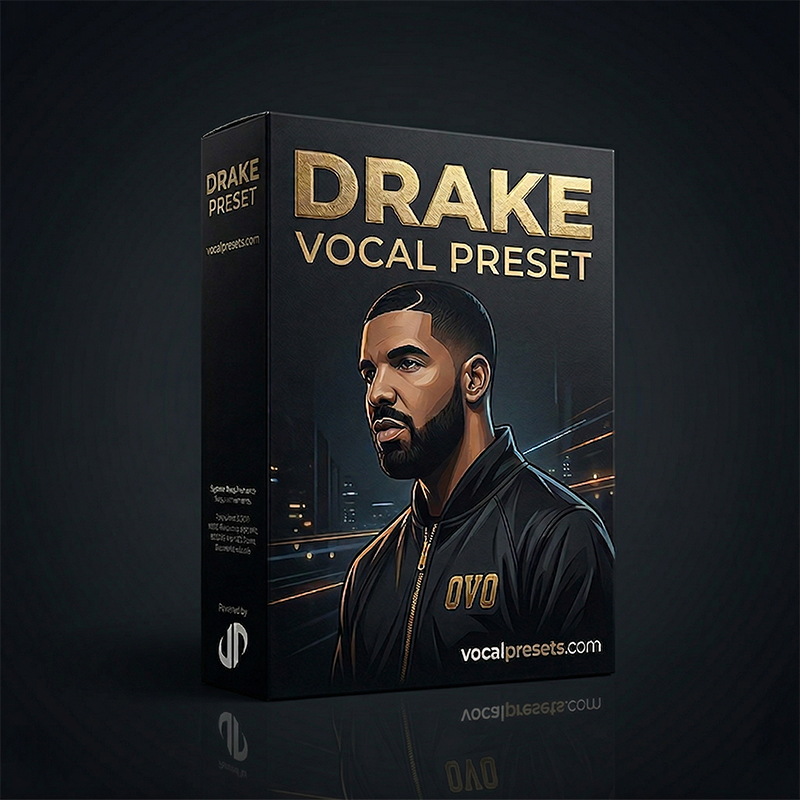
Drake Vocal Preset

Vocal Labs
$24.99You will not sound exactly like Drake. The preset is the atmosphere — smooth, upfront, controlled. Your voice still has to carry the record.
If your genre lives on the effect, do not apologize for it. A dry, "natural" vocal on a 2026 trap beat often sounds like a demo, not like taste. The taste is the snap.
When Melodyne is the right call
Use Melodyne when the performance is the sound.
If you sang a chorus that feels right and two notes sit a little under, Melodyne lets you park those notes without putting a robot on the whole take. If a word is late, you can slide the blob. If vibrato is wild on one hold, you can tame it.
Melodyne wins when:
- You want the vocal to sound like you, just tighter
- The track is sung, not rapped through a tuner as an effect
- You need to fix one phrase, not print a sound
- You care about timing as much as pitch
It loses when you want the 2018-2026 rap vocal identity. You can Melodyne a trap vocal to perfection and still miss the record, because the record wanted the snap.
Melodyne also costs more and asks for more time. That is not a moral failing. It is a workflow. If you drop three songs a week, a real-time tuner is how you finish. If you are polishing one single for a month, Melodyne is worth the night.
One more honest limit: Melodyne will not make a weak performance famous. If the take has no energy, dragging blobs just makes a tidy weak take. Punch in the line.
Can you use both?
Yes. That is how a lot of finished records get made.
A clean order:
- Record a real take. Do not plan to "fix it in Melodyne" as an excuse to sing lazy.
- If two or three notes are off, edit them in Melodyne. Keep the vibe of the take.
- Print or freeze that clip.
- Put Auto-Tune after it, slower than an effect setting, if you still want modern glue. Or leave Auto-Tune off if the song is dry and human.
Do not run fast Auto-Tune and then Melodyne on the same raw clip fighting each other. You will get double correction and weird transitions. One tool owns the note at a time.
If you already have a full mix process, put pitch first. EQ and compression after a moving tuner behave better than a tuner chasing a compressed vocal. That order is the same whether you use Melodyne, Auto-Tune, or a free tuner.
A practical split many artists use: Melodyne on the lead chorus, Auto-Tune on ad-libs and stacked doubles so the stacks lock to the scale and stay out of the way of the lead.
Settings that actually matter
Auto-Tune
Key and scale first. Then retune speed.
For a hard rap hook, retune is fast. For a sung R&B verse, slower. If you hear the famous chirp on the front of words, you went too fast for that phrase — automate speed, do not abandon the plugin.
Humanize helps long notes. It does less for fast rap.
If you are in FL Studio, Pitcher or Newtone can get you moving before you buy Antares. Ableton Live has third-party tuners plus stock pitch. Logic Pro has Flex Pitch, which is closer to a light Melodyne than to Auto-Tune.
Top Fl Studio Presets
Free
Big Drip
Vocal Labs
Free
Free
Interview
Vocal Labs
Free
Sippin'
Vocal Labs
$14.99
Studio Polish
Vocal Labs
$14.99Melodyne
Correct the notes that bother you. Leave the ones that have character.
Watch formants if you drag a note far. A jump of a few cents is invisible. A jump of a full step can make you sound like a different throat. If a word needs that much help, punch it in again.
Do not correct every blob to a perfect grid. That is how independent artists accidentally make a choir of plastic. Melodyne should disappear.
Use the pitch tool more than the pitch-modulation tool at first. If you flatten every vibrato, the vocal dies. If a run is messy, fix the landing notes and leave the journey.
Free tuners before you spend
You do not need Antares and Celemony on night one.
GSnap, Graillon, stock pitch tools, and BandLab's tuner will teach you key, speed, and whether you even like the effect. Paid Auto-Tune is better at tracking and sounds cleaner at extreme speeds. Melodyne is better at editing. Neither is required to finish a SoundCloud record this week.
Once pitch is under control, the chain around it matters more than the logo on the tuner. That is when a preset earns its keep. Browse the catalog if you want a finished chain instead of building twelve plugins from a screenshot.
The free-tuner post is the shopping list. This post is the decision. Read both and you stop buying tools out of panic.
Heartbroken, Juice-adjacent, and why the tuner choice shows
Melodic rap is where this argument gets loud. Artists hear Juice WRLD and want the cry in the voice plus the snap of the tuner.
There is no Juice WRLD SKU on the marketplace. Heartbroken is the honest adjacent load — sad delay, dark reverb, a vocal that sits in feelings more than in punch. It is closer to Post Malone and Kid Laroi weather than a Juice clone. If that is the lane, use it as atmosphere, then set Auto-Tune for the hook.

Heartbroken
Vocal Labs
$14.99The longer breakdown of that chain lives here:
Melodyne can tidy a Juice-style run. Auto-Tune is still what makes the run feel like 2018-2026 melodic rap. Use both if you want. Do not swap them and expect the same record.
If your hook needs the cry, leave a little pitch drift on the way into the note, then lock the landing. That is an Auto-Tune automation job more than a Melodyne job. If the whole take is a little flat and the feeling is already there, Melodyne is faster than re-singing for two hours.
A simple rule you can remember
Ask one question before you open either plugin: do I want people to hear the tuner?
If yes, Auto-Tune — or a free real-time tuner — owns the session. Set key. Set speed. Record.
If no, Melodyne owns the session. Fix the ugly notes. Leave the human ones. Mix after.
If the answer is "a little," do the Melodyne pass first, then a slower Auto-Tune. That is the professional-sounding middle, and it is still your voice.
FAQ
Is Melodyne better than Auto-Tune?
Better at what. Melodyne is better at invisible pitch and timing edits. Auto-Tune is better at the real-time rap and R&B effect. Pick the job, then the tool.
Can I get the Auto-Tune effect inside Melodyne?
Not the same way. You can snap blobs hard to a scale and it will sound corrected. It will not track like live Auto-Tune, and it will not give you the same attack on each word. If you want the effect, use a real-time tuner.
Do I need both plugins to sound professional?
No. You need a good take, the right key, and a chain that sits in the beat. Plenty of independent artists finish records with a free tuner and a preset. Buy Melodyne when you are saving takes. Buy Auto-Tune when you are printing a sound.
Should I tune before or after EQ and compression?
Tune first. Then EQ, compress, de-ess, and add space. A tuner after heavy compression works harder and can sound twitchy. If you use Melodyne, edit the raw clip, then run the rest of the chain.
Load the tuner. Set the key. Put a chain on after it. Then record the take you actually want to keep — do not wait for a perfect plugin to make a weak performance famous.