
Best Pop Vocal Presets in 2026
VP
VocalPresets Team
7 min read
Pop vocals sound simple. That's the trick — they're actually some of the most heavily processed vocals in music. The processing is just invisible. Every word is perfectly clear, perfectly present, and perfectly sitting in the track.
When you play back your own Pop recordings and they sound a little raw, a little unfinished, a little "bedroom" — that's the processing gap. And it's exactly what a quality vocal preset is designed to close.
Whether you are working in FL Studio, Logic Pro, Ableton Live, or any other DAW, the right preset takes your voice from rough demo to playlist-ready in seconds.
What Pop Vocals Are Actually Doing
When you strip back a modern Pop vocal and look at the vocal chain structure, here's what you find:
Multiple compression stages. Pop vocals typically run through two or even three compressors in series. The first catches the big peaks. The second adds character and glue. Together they create that "every word is perfectly clear" quality where your voice sits right in the pocket of the beat.
A common approach: start with a fast FET-style compressor (like a CLA-76 or the free Analog Obsession FetCH) with a 4:1 ratio, fast attack, and medium release. This tames the transients. Follow it with a slower optical compressor (CLA-2A style) at 2-3 dB of gain reduction for smooth, even sustain. The result is a vocal that feels consistent without sounding squeezed.
Surgical EQ — high-pass to remove room rumble (typically around 80-100Hz for male vocals, 120-150Hz for female vocals), a cut in the boxy frequency range (200-350Hz, usually 2-3 dB), a presence boost around 3-5kHz that makes your voice pop out of the speakers, and air on top (a gentle shelf from 10kHz up) for sparkle. This combination gives Pop vocals their signature bright-but-smooth quality.
If you are on a budget, the free TDR Nova dynamic EQ handles all of this surprisingly well. For paid options, FabFilter Pro-Q is the industry standard.
De-essing — When you record close to your mic (which you should for Pop), your S sounds get harsh. A de-esser tames them transparently. Set it to target around 6-8kHz for most voices. You shouldn't notice it working — you should just notice the harshness is gone. The Waves Renaissance De-Esser or the free Techivation T-De-Esser are both solid choices.
Reverb and delay as texture. Modern Pop uses subtle, short reverbs and delays that are felt rather than heard. Your voice should sound like it's in a beautiful room, not a concert hall or a bathroom. A plate reverb with a 1.2-1.5 second decay, pre-delay around 30-50ms, and the high frequencies rolled off slightly is the classic Pop vocal reverb sound. For delay, a stereo eighth-note delay mixed in at about 15-20% wet adds width without being obvious.
Transparent pitch correction. Pop is where pitch correction is expected to be completely invisible. If you can hear it, it's too much. The goal is your voice, perfected — not a robotic effect. In most DAWs, set your pitch correction retune speed to around 30-50ms for natural results. Faster settings create that obvious auto-tune effect, which is a different style entirely.
Best Pop Vocal Presets in 2026

Airy Vocal

Vocal Labs
$14.99Airy is the cornerstone Pop vocal preset. Load it up and your voice immediately sounds brighter, more polished, and more present — that effortless Pop sheen that makes your recordings sound like they belong on a playlist. Works across every DAW.

Crispy
Vocal Labs
$14.99Crispy is for higher-energy Pop — upbeat tracks, dance-pop, or songs where your voice needs to cut through a dense production. Brighter and more forward than Airy. If you are making music that needs to compete with loud, heavily produced instrumentals, this is the one.

Heartbroken
Vocal Labs
$14.99Heartbroken is for Pop ballads. If you're recording a breakup song or something emotional and slow, this preset gives your voice the warmth and weight the moment needs. The compression is gentler, the reverb is slightly longer, and the overall tone is warmer — letting your performance carry the song.
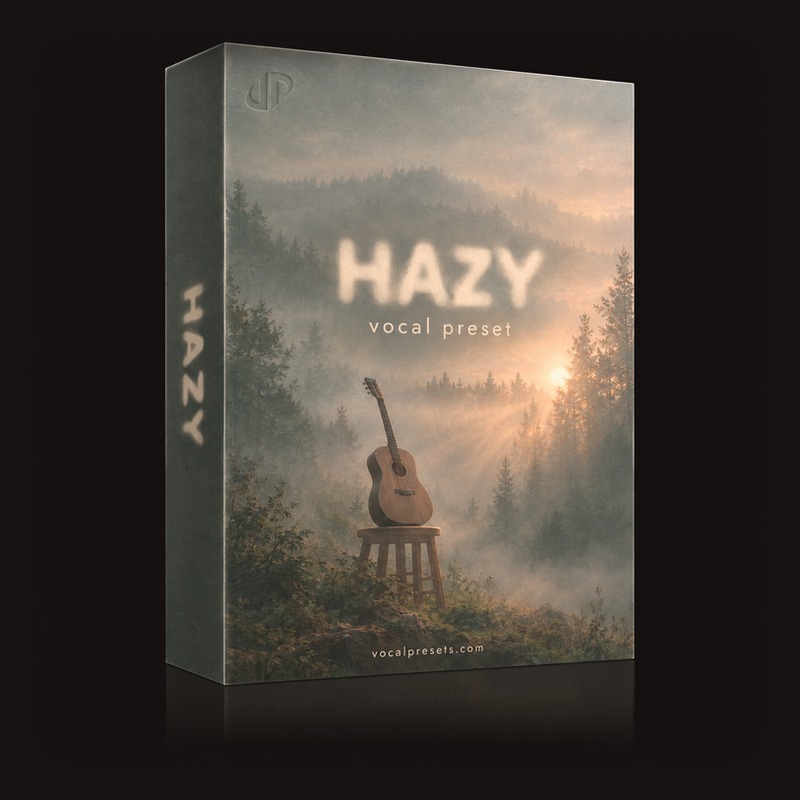
Hazy
Vocal Labs
$14.99Hazy works for Alt-Pop and Indie-Pop — the dreamier, more atmospheric side of things. If your sound is more whisper vocals and moody production, this preset matches that energy. Think Billie Eilish territory — intimate, textured, and present without being aggressive.
Budget-Friendly Plugin Alternatives
Not everyone can drop hundreds on plugin bundles right away. Here are free or affordable plugins that get you close to a professional Pop vocal chain:
- Compressor: TDR Kotelnikov (free) or Analog Obsession Fetish (free) for FET-style compression
- EQ: TDR Nova (free dynamic EQ) handles surgical cuts and boosts with precision
- De-Esser: Techivation T-De-Esser (free) or Airwindows DeEss (free)
- Reverb: Valhalla Supermassive (free) for atmospheric textures, or TAL-Reverb-4 (free) for cleaner plate sounds
- Delay: Voxengo Tempo Delay (free) handles stereo delay with tempo sync
These will not replace a properly configured preset chain, but they give you the building blocks to start shaping your sound while you save up.
Tips for Recording Pop Vocals at Home
Treat your recording space. Pop production is unforgiving when it comes to room sound. Even a few foam panels or a reflection filter behind your mic makes a noticeable difference. The cleaner your recording, the better any preset will sound on your voice. If you cannot treat your room, record inside a closet full of clothes — the fabric absorbs reflections naturally.
Record at the right distance. For Pop vocals, position yourself about 6-8 inches from the mic. Too close and you get the proximity effect (boomy low end). Too far and you pick up room reflections. Use a pop filter to avoid plosives, and keep your position consistent across takes.
Double your pre-chorus. Record the pre-chorus twice and blend the second take in quietly beneath the first. It creates build before the chorus hits and adds energy without being obvious. This is a trick used on records you hear every day.
Pitch correct before anything else. If you use pitch correction, put it first in your chain so everything after it — compression, EQ, the rest of your vocal stack — is responding to a corrected signal. The order matters.
Automate your presence. A subtle brightness boost during your chorus (1-2 dB at 4kHz) makes your voice lift in the big moments without being too bright in the verses. Many commercial records do this — it's one of those invisible moves that makes a song feel more dynamic. In FL Studio, you can automate this with a right-click on the EQ band. In Ableton, draw the automation directly in the clip envelope.
Check your mix in the car. Bounce a rough version and play it in the car, through your phone speaker, through earbuds. If your voice sounds buried, it needs more presence. If it sounds harsh, ease back the high end. Real-world playback reveals things your studio monitors won't.
Layer your chorus vocals. Record three takes of the chorus — pan one center, one slightly left, one slightly right. Keep the side takes quieter than the center. This creates width and fullness that makes your chorus hit harder. It is one of the most common techniques in professional Pop production.
Pop Vocal Recording Checklist
Before you hit record, run through this quick list:
- Room is treated or you are in a quiet, small space
- Mic is positioned 6-8 inches away with a pop filter
- Input level is peaking around -12 to -6 dBFS (not clipping)
- Pitch correction plugin is first in the chain
- Preset is loaded and you have done a quick test recording
- You have water nearby (dry mouth kills vocal takes)
A quality preset gets you in the right ballpark on all of the processing immediately — so you can focus on your performance, not your plugin settings.
Frequently Asked Questions
Can I use Pop vocal presets on songs that blend Pop with other genres? Yes. Pop presets work well as a starting point for Pop-R&B, Pop-Rock, and Dance-Pop. The core processing — clean compression, presence EQ, and subtle spatial effects — translates across subgenres. You might need to adjust the reverb amount or the brightness depending on the production, but the foundation stays the same. For R&B-leaning tracks, check out the best R&B vocal presets as well.
Do I need expensive plugins for Pop vocal presets to work? Many preset packs are built around industry-standard plugins like Waves, FabFilter, or iZotope, which do require a purchase. However, some presets use stock DAW plugins that come free with Logic Pro or GarageBand. Check the plugin requirements on the product page before you buy. You can also start with free vocal presets to test the workflow before investing.
How do I know which preset fits my voice? Load a few options and record the same 8-bar section with each one. Listen back without looking at the screen — your ears will tell you which one feels right. Deeper voices often work better with presets that have less low-end buildup (like Airy), while brighter voices suit presets with warmer tones (like Heartbroken). Trust your instinct over technical analysis.
Should I apply a preset to my backing vocals too? Your backing vocals benefit from a different treatment than your lead. Typically you want backing vocals slightly darker (less high-end presence) and with more reverb so they sit behind the lead. Some preset packs include separate backing vocal presets. If yours does not, reduce the presence EQ by 2-3 dB and increase the reverb send.
Ready to hear the difference on your next track? Browse vocal presets and find the right sound for your music.