
How to Build a Vocal Chain: Step-by-Step Guide for Home Artists

Every vocal you hear on Spotify went through a vocal chain — a series of plugins in a specific order that takes a raw recording and makes it sound finished. If you are recording yourself at home, learning to build a basic vocal chain is the single biggest upgrade you can make to your sound.
You do not need to become a mixing engineer. You just need to understand what each piece does and why it is there. Here is the whole process for how to build a vocal chain, broken down so it actually makes sense.
What Is a Vocal Chain?
A vocal chain is a series of audio effects applied to your vocal recording, one after the other. Each effect has a specific job — controlling dynamics, shaping tone, adding warmth, creating space. Together they turn a raw bedroom recording into something that sounds polished and professional.
Think of it as a recipe. The raw vocal is your ingredient. The chain is the cooking process. Skip steps or do them out of order and the result suffers.
A solid vocal chain includes:
- High-pass filter — removes low-end rumble
- Noise gate — kills background noise between phrases
- Compressor — evens out your volume
- EQ — shapes your tone
- Saturation — adds warmth and fullness
- De-esser — tames harsh S sounds
- Reverb and delay — adds space (on sends)
You do not need all seven stages for every song. But understanding what each one does means you know when to use it and when to skip it.
Stage 1: High-Pass Filter
Your mic picks up a lot of low-frequency stuff you cannot hear but that makes your vocal sound muddy — room rumble, mic handling, the bass from your headphones bleeding in. A high-pass filter cuts all of that.
Where to set it: Start around 80Hz for deeper voices, 100-150Hz for higher voices. Roll it up until you start hearing your actual voice get thinner, then back off slightly. That is your sweet spot.
Plugin options: Your DAW's stock EQ has a high-pass filter built in. FL Studio's Parametric EQ 2, Logic Pro's Channel EQ, and Ableton's EQ Eight all have this. No need to buy anything.
Pro tip: Use a steep slope — 18 or 24 dB per octave. A gentle slope (6 or 12 dB) lets too much low-frequency energy through and your compressor will react to it.
Stage 2: Noise Gate
If your recording environment has background noise — and if you are in a bedroom, it probably does — a noise gate silences the gaps between your vocal phrases. It shuts off the audio when you are not singing or rapping, cutting out the hum, room tone, and ambient noise.
Settings that work: Set the threshold just above the noise floor. Fast attack (under 1ms) so the gate opens instantly when you start a phrase. Slow release (50-100ms) so word endings do not get chopped. If the gate is cutting off the ends of your words, lower the threshold or increase the hold and release times.
When to skip it: If your recording space is reasonably quiet, you may not need a gate at all. Gates can introduce artifacts if set too aggressively. Listen to your raw recording — if the silence between phrases is clean, skip this stage.
Stage 3: Compressor
Compression is what makes your vocal sit evenly in the mix instead of jumping between too quiet and too loud. It automatically turns down the loud moments and brings up the quiet ones.
Settings to start with:
- Ratio: 3:1 to 4:1 (higher for rap, lower for singing)
- Threshold: Adjust until you see 3-6 dB of gain reduction on louder phrases
- Attack: 10-15ms (lets the initial punch of your voice through)
- Release: 50-80ms or auto-release
- Makeup gain: Match the output level to the input level so you are comparing accurately
What good compression sounds like: You should barely notice it. The vocal sits more evenly, but it still sounds natural and dynamic. If it sounds flat, lifeless, or pumping, you are compressing too hard.
Plugin recommendations: TDR Kotelnikov (free, transparent), Waves CLA-76 (punchy, great for rap), FabFilter Pro-C 2 (visual, educational). For a full breakdown, see our guide on the best vocal chain plugins.
Stage 4: EQ
Now that your compressor has your dynamics under control, you are working with a consistent signal. EQ shapes the actual tone of your voice.
The moves that matter for most home recordings:
- Cut 200-400Hz by 2-3 dB to reduce muddiness and boxiness (bedroom recordings almost always have too much here)
- Boost 2-5kHz by 1-3 dB for presence — this is what makes your voice cut through the beat
- Boost 10-12kHz with a shelf for air and openness
- Cut any harsh spots specific to your voice (listen for frequencies that hurt your ears — sweep a narrow boost through the spectrum to find them, then cut)
EQ technique: Use narrow cuts (high Q value) to remove problems and wide boosts (low Q value) to enhance character. Narrow cuts are surgical and targeted. Wide boosts sound more natural and musical.
Common mistake: Over-boosting the high end. A 2 dB shelf at 10kHz adds air. A 6 dB shelf adds harshness and makes sibilance worse. Be gentle with boosts.
Stage 5: Saturation
Saturation adds harmonic warmth that makes a digital recording sound more like a record. It is the difference between clinical and musical. Tape saturation, tube saturation — they all add a subtle layer of fullness.
The key word is subtle. Set it at 10-15% wet. A/B it (compare with it on and off). If you can clearly hear the saturation as an effect, it is too much. You should just feel that the vocal sounds warmer and more alive.
Plugin options: Klanghelm IVGI (free, excellent), Softube Saturation Knob (free, one-knob simple), Soundtoys Decapitator (paid, versatile). For rap vocals that need edge, Decapitator's "A" style with the drive at 2-3 adds grit without distortion.
Stage 6: De-Esser
After compression, EQ boosting, and saturation, your S and T sounds are probably poking out. A de-esser targets the sibilant frequency range (usually 5-9kHz) and turns those moments down automatically.
Set it so it only catches the harsh ones. Over-de-essing makes you sound like you have a lisp, which is worse than the original problem.
How to set it properly: Solo the sibilance band if your de-esser allows it. Listen to what it is catching. You should hear mostly S and T sounds. Set the threshold so it reduces 2-4 dB on the harshest moments. If it is constantly active, the threshold is too low.
Plugin options: Your DAW's built-in de-esser, Waves Sibilance (uses transient detection for more natural results), Techivation T-De-Esser (free, clean interface).
Stage 7: Reverb and Delay (On Sends)
Reverb and delay go on separate send channels, not directly on your vocal insert chain. This means your dry vocal stays clean and you blend in the effect separately.
For reverb: Start with a short plate or room, 1-2 second decay, mixed subtly. You want to hear "space" without hearing "reverb." Add 20-30ms of pre-delay to keep the dry vocal upfront while the reverb fills in behind. For rap, keep the decay under 1 second. For R&B and pop, 1.5-2 seconds adds warmth.
For delay: An eighth-note or dotted-eighth delay at low feedback (20-30%) adds depth without cluttering. Mix it in until you feel the vocal has dimension. Add a low-pass filter on the delay return at 4-5kHz so the repeats sit behind the vocal.
Why sends instead of inserts: Sends let you control the wet signal independently. You can EQ the reverb return, compress it, or automate its level without affecting your dry vocal at all. This is how professionals handle vocal effects.
Presets That Have All of This Built In
If building a chain from scratch feels like a lot right now, that is completely normal. Vocal presets give you a professionally built chain that you load in one click:



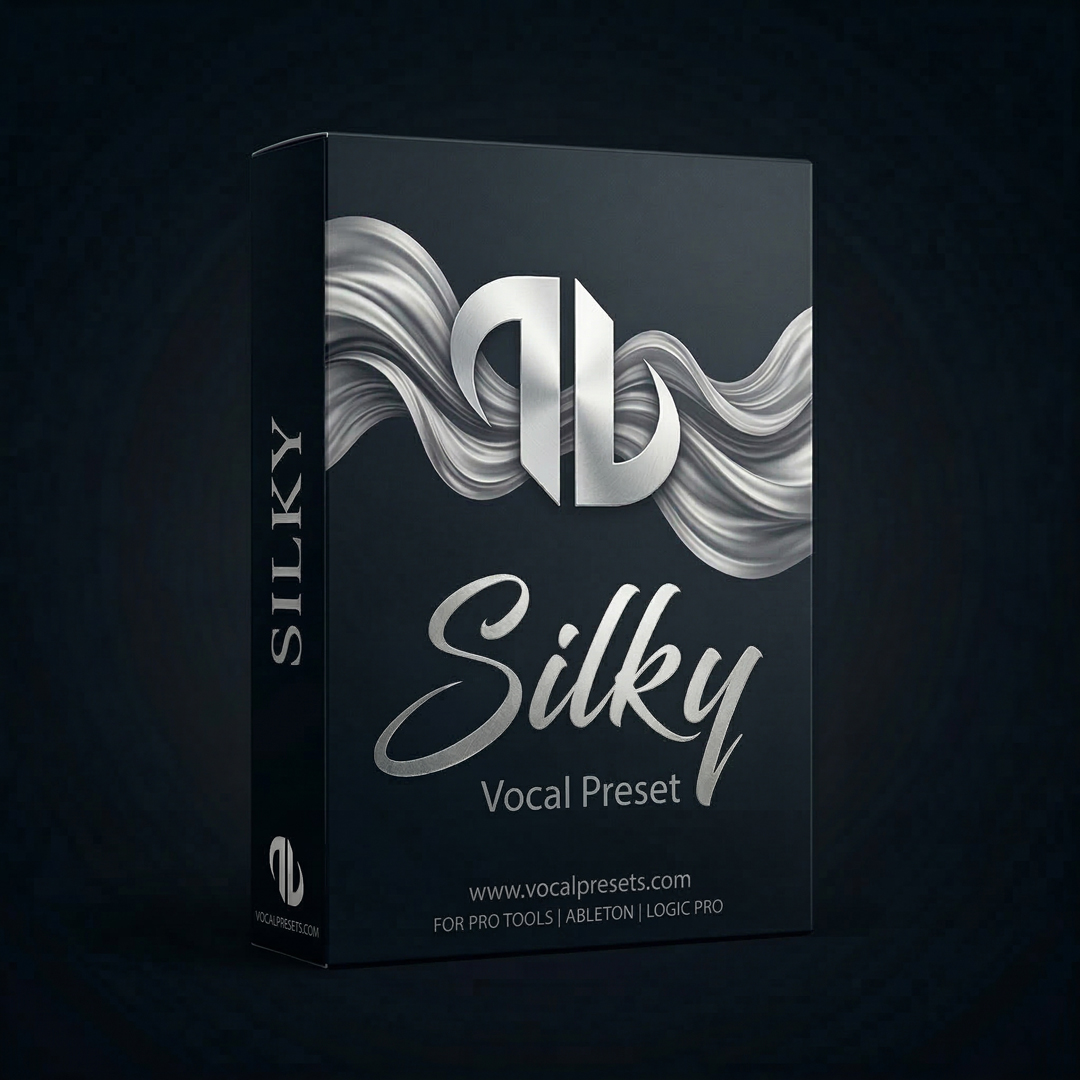
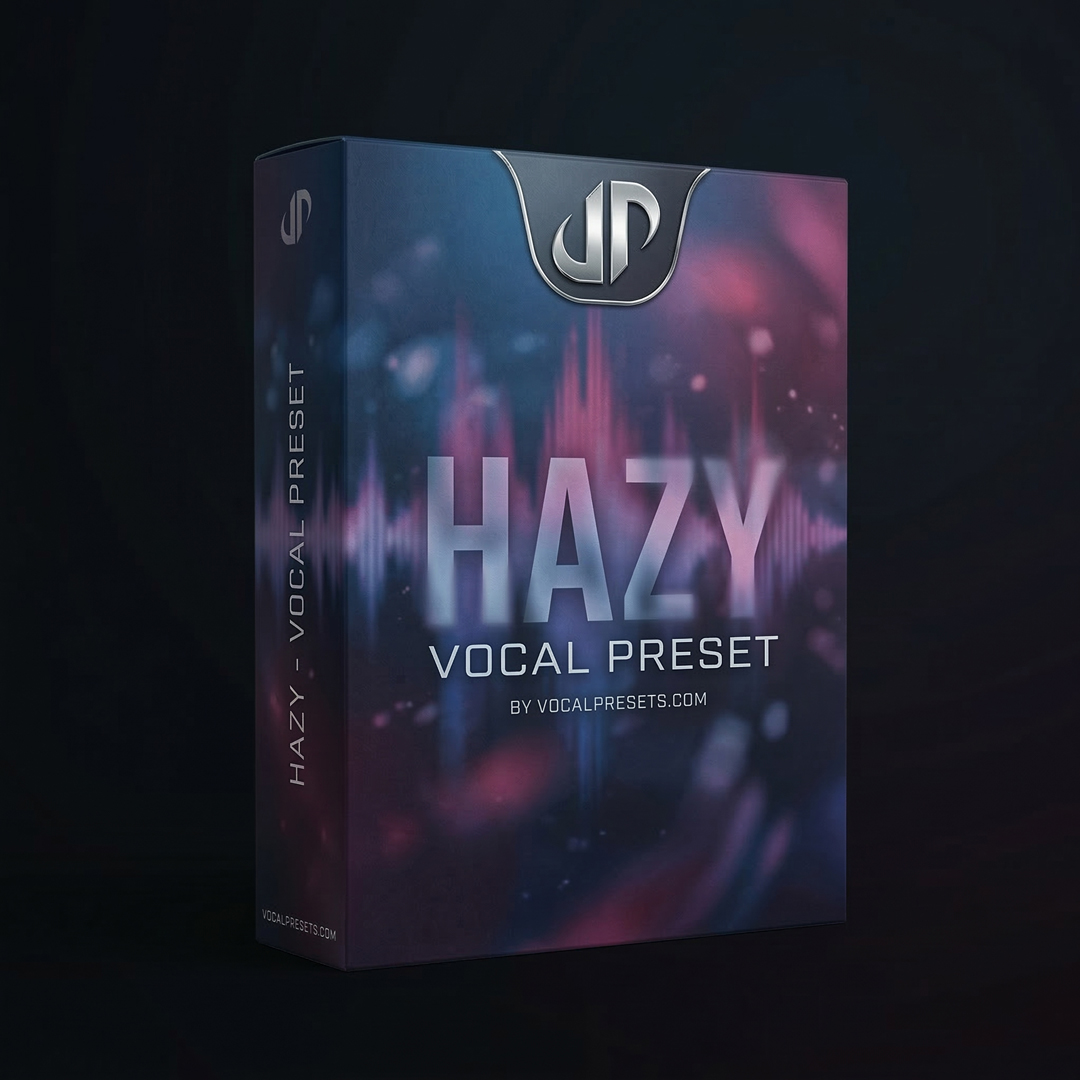
These are complete chains — the right plugins in the right order, with settings already dialed in by engineers. You load one, adjust the compression and EQ to taste for your specific voice, and you are 80% of the way to a professional sound in about 30 seconds.
Tips That Actually Help
Build one stage at a time. Add each plugin, listen to what it does, then add the next. This teaches you what each piece contributes and makes troubleshooting way easier.
A/B everything. Constantly toggle plugins on and off. Every stage should be making a noticeable improvement. If it is not, take it out.
Less is more. A simple chain done well beats a complicated chain done poorly. Compressor + EQ + reverb send is enough to start. Add stages when you hear a specific problem that needs solving.
Save chains that work. When you find settings that sound good on your voice, save them. Every DAW lets you recall effect chains. Do not rebuild from scratch every session.
Use a reference track. Pull a song you admire into your DAW session. Match the volume to your vocal and compare. This gives you a target to aim for and prevents you from over-processing.
Troubleshooting Your Vocal Chain
The chain makes my vocal sound worse than the raw recording. Bypass all plugins and add them back one at a time. The problem is usually over-compression (too much gain reduction) or over-EQ (too many boosts and cuts). Reset and start with gentler settings.
My vocal sounds thin after processing. Your high-pass filter is likely too aggressive. Lower it to 80Hz. Also check if you cut too much in the 200-500Hz range — some of that energy is the body of your voice.
Sibilance is out of control. Add a second de-esser or move your existing one earlier in the chain (before saturation). Also check your mic angle — angling slightly off-axis reduces sibilance at the source.
The reverb sounds muddy. EQ the reverb return channel. Cut everything below 200Hz and above 8kHz on the reverb signal. This cleans up the reverb without affecting your dry vocal at all.
Frequently Asked Questions
How many plugins should be in my vocal chain? Start with four: high-pass filter, compressor, EQ, and reverb on a send. That is enough to make a bedroom vocal sound professional. Add saturation, de-essing, and a second compressor only when you hear specific problems that need solving. More plugins does not mean better sound.
Do I need different chains for different songs? Not necessarily. A well-built chain that works for your voice will work across most of your songs in the same genre. You might adjust the reverb amount or the compression threshold between songs, but the structure stays the same. Save your chain as a template.
Can I build a good vocal chain with only free plugins? Yes. TDR Kotelnikov (compressor), TDR Nova (EQ), Klanghelm IVGI (saturation), Spitfish (de-esser), and Valhalla Supermassive (reverb/delay) give you a complete professional chain for zero dollars. See best vocal chain plugins for the full free starter kit.
How long does it take to learn to build a vocal chain? The basics — understanding what each plugin does and hearing the difference — takes a few sessions. Getting confident enough to build a chain quickly takes a few weeks of consistent practice. Using a preset as a starting point accelerates this because you can study what a professional chain looks like and reverse-engineer the decisions.
The better your raw recording, the less work your chain has to do. If you have not dialed in your recording setup yet, start there — better source material means better results from every plugin in your chain.
Browse vocal presets to hear what a professional vocal chain sounds like, or start with free vocal presets to load a complete chain on your next session.
Related: Vocal Chain Order | Best Vocal Chain Plugins | How to Mix Vocals in GarageBand