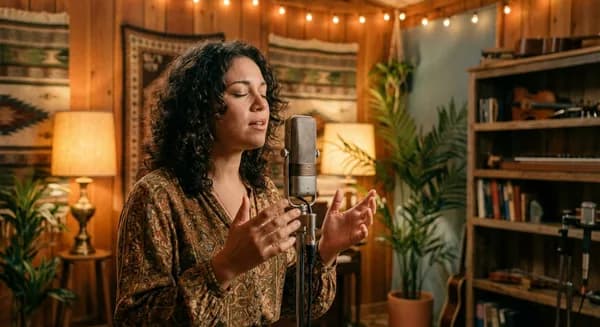
Best Dancehall Vocal Presets in 2026

Dancehall has been shaping global music for decades, and in 2026 its reach is bigger than ever. From Afrobeats crossovers to Caribbean-flavored Pop, the dancehall vocal sound -- warm, rhythmic, full of personality -- is everywhere. If you are an artist making dancehall-influenced music from your bedroom, getting that sound right is the difference between a rough demo and something you are proud to release.
Whether you are recording in FL Studio, Logic Pro, or Ableton, the principles are the same. Your voice needs to ride the riddim, feel warm and present, and carry the energy that defines the genre.
The Dancehall Vocal Sound
Dancehall vocals are rhythmically alive and tonally warm. Whether you are singing melodically or toasting with rapid-fire delivery, the processing on your voice needs to handle all of it and make it feel like a record.
Here is what defines that sound:
Warm, saturated tone. Dancehall vocals have a characteristic warmth -- partly from the genre's history of analog recording, partly from intentional processing choices that carry through to today. A touch of tube or tape-style saturation on your voice takes it from "recorded on a laptop" to "recorded in a studio." Try SoundToys Decapitator with the Drive at 2-3 and the Mix at 40-50%. For a free option, Softube Saturation Knob on the "Keep High" setting at about 40% gets you close.
Moderate compression. Unlike trap or hip-hop vocals where the compression is heavy, dancehall keeps it more moderate. A ratio of 3:1 with a medium attack (15-20ms) and a medium-fast release (50-80ms) works well. You want 3-4 dB of gain reduction -- enough to keep your voice consistent without killing the rhythmic expressiveness that makes dancehall work. Your voice needs to ride the rhythm naturally.
Natural reverb. The reverb on your voice should feel like you are in a real space -- not swimming in echo. A medium-length plate or room reverb with a decay time of 1.2-1.6 seconds works well. Set the pre-delay to 25-40ms to keep your voice upfront while the tail fills the space behind it. Mix the reverb at 18-25% wet. Your voice should feel close and present, just with some air around it.
Delay is everything. The slapback delay has deep roots in Jamaican music going back to sound system culture. A short slapback at 60-120ms with minimal feedback (one repeat) is part of the genre's identity. For a deeper dub-influenced sound, push the delay to a quarter note with 25-35% feedback and let the echoes roll. Without delay, dancehall vocals feel like they are missing something fundamental.
Bass-friendly EQ. Dancehall rides heavy basslines. Your voice needs a high-pass around 100-130Hz to stay out of the bass's way, while the warmth in your low-mids (200-400Hz) is preserved -- that is where the body of your voice lives. Add a gentle presence boost of 2 dB around 3-5kHz to help your voice ride on top of the production. Cut any harshness around 2.5-3kHz if your mic tends to be bright.
Budget Setup: Free Dancehall Vocal Chain
Getting the dancehall sound does not require expensive plugins. Here is a free chain that captures the essentials:
- TDR Nova (free) -- Dynamic EQ for your high-pass filter, low-mid warmth shaping, and presence boost. The dynamic bands are perfect for taming resonances that change depending on whether you are singing or toasting.
- TDR Kotelnikov (free) -- Smooth, musical compression at 3:1 that lets your rhythmic delivery breathe naturally.
- Softube Saturation Knob (free) -- The warmth that defines the genre. Keep High setting, dialed to 35-45%.
- Valhalla Supermassive (free) -- Use the shorter delay modes for slapback and the longer modes for dub-style echoes. This single plugin can handle both your delay and reverb needs.
- Your DAW's stock delay -- Set a simple mono delay at 80-100ms, one repeat, for classic slapback.
This free chain covers the core dancehall vocal sound. The paid presets add more refined saturation algorithms and reverb character, but this setup genuinely works for releases.
Best Dancehall Vocal Presets in 2026
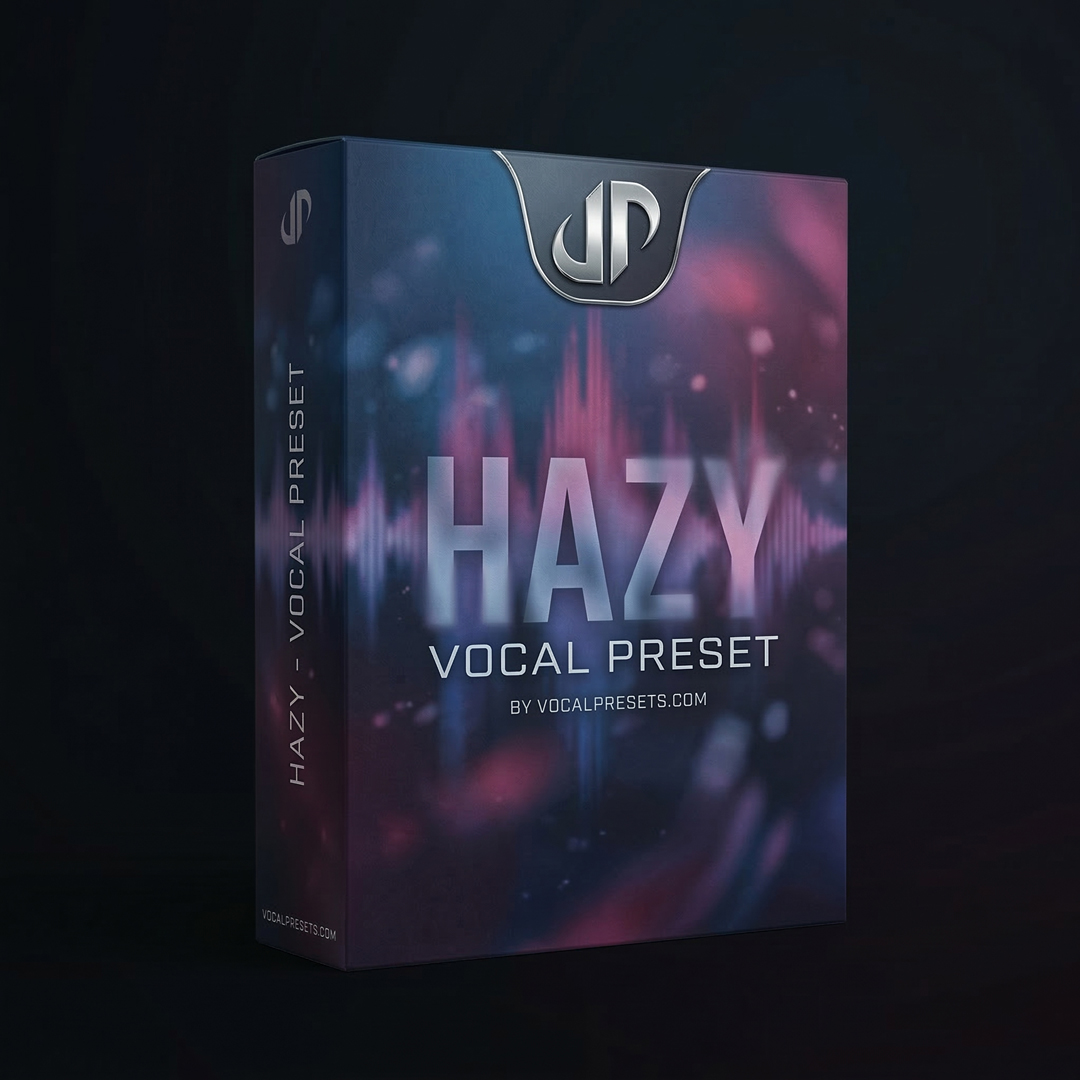
Hazy

Vocal Labs
$9.99Hazy captures the warm, slightly dreamy quality that works across dancehall and Afrobeats-influenced production. The atmospheric warmth suits the genre naturally and makes your voice feel finished. The delay and reverb are already balanced for that Caribbean space without pushing your voice too far back.
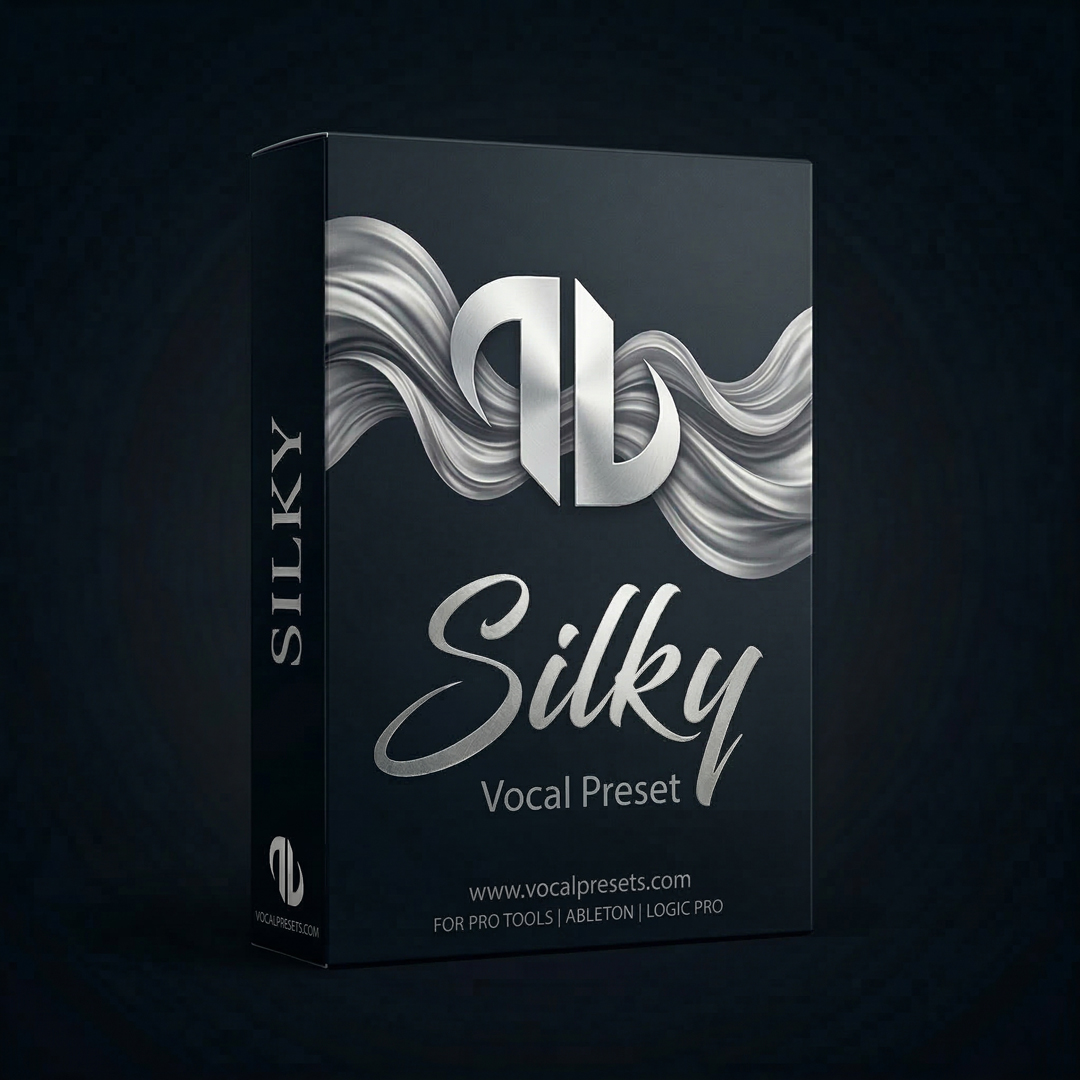
Silky
Vocal Labs
$9.99Silky works for the more melodic side of dancehall -- if your style crosses over into mainstream R&B territory and you need a polished, warm sound on your voice. The saturation is smoother here, giving you fullness without grit.
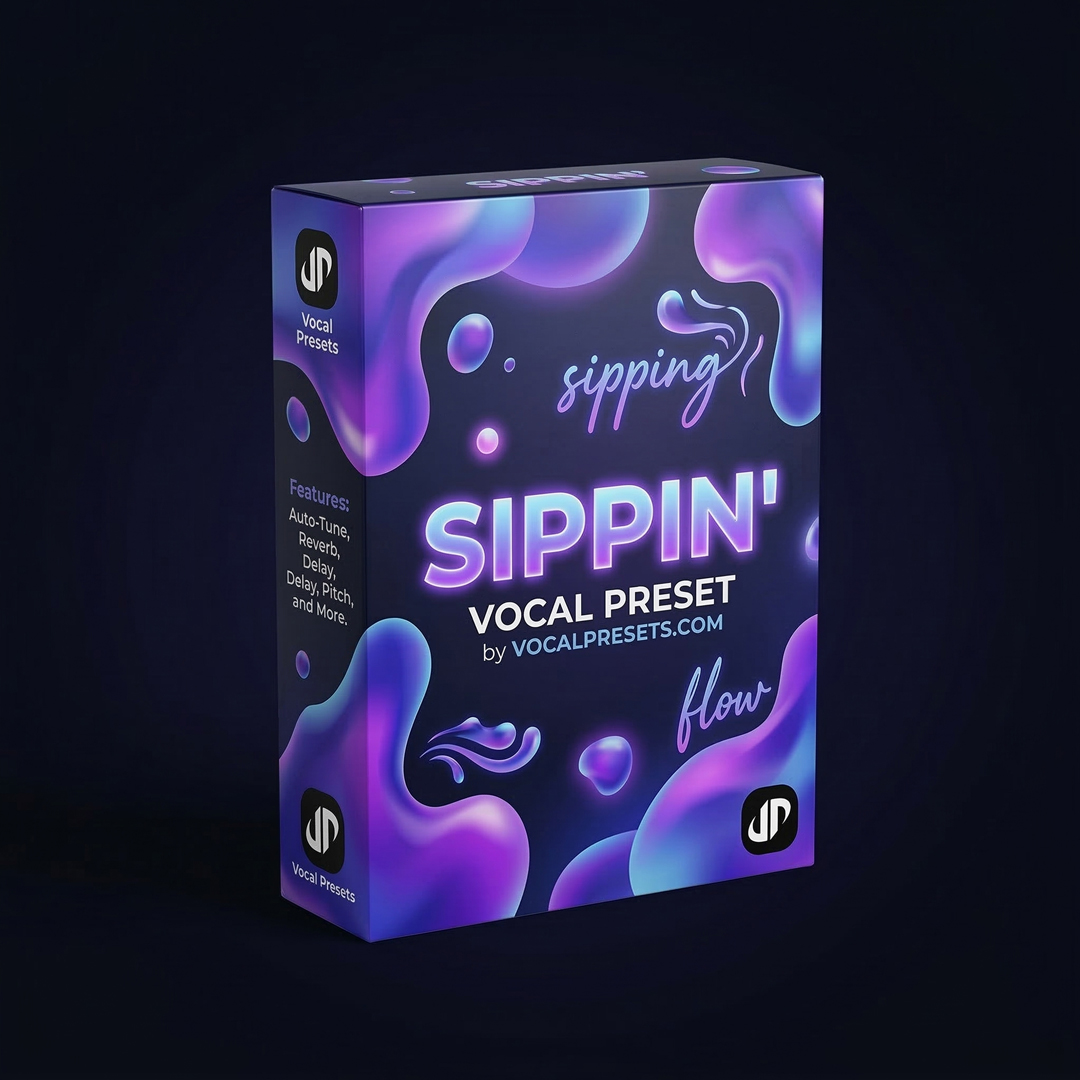
Sippin'
Vocal Labs
$8.99Sippin is laid-back and warm -- perfect for the more relaxed, melodic side of dancehall. If you are a singer more than a toaster, this preset wraps your voice in the right energy. The compression is gentle enough to let your melodic phrasing breathe naturally.
Free
Big Drip
Vocal Labs
FreeBig Drip works when your music crosses into hip-hop territory -- harder delivery, heavier production, but still that Caribbean warmth underneath everything. If you are blending dancehall with trap or drill, this preset bridges both worlds.
browse our vocal presets for more options, or try our free vocal presets to test the sound before buying a full pack.
Tips for Recording Dancehall Vocals at Home
Lock into the riddim first. Before you worry about how your voice sounds, make sure your performance is rhythmically tight with the beat. Dancehall is fundamentally about rhythm. The processing comes after the groove is there. Record a few practice takes just focusing on timing before you start capturing real takes.
Listen to how your voice responds to the mic. If you are performing in Patois or switching between singing and toasting styles, your voice hits the mic differently at different moments. Toasting tends to be louder and more dynamic, while melodic sections are smoother. Pay attention to where harshness or muddiness shows up and know that your preset handles most of it -- but awareness helps you adjust your mic distance. Pull back an inch or two when you get loud and lean in slightly for quieter melodic passages.
Reverb as space, not effect. The reverb on your voice should not sound like a special effect -- it should sound like a room. Medium plate or room-style reverb with natural decay. Avoid anything that pushes your voice back too far. The vocal in dancehall is always upfront and commanding.
Stack your hooks generously. Dancehall songs often have dense vocal layers on the hook -- harmonies, unison doubles, ad-libs, response vocals. Record each one separately and layer them. Keep doubles 4-6 dB below the lead. Pan harmonies to 30-40% left and right. This is where your bedroom recordings start sounding like actual releases.
Automate your delay. Set the delay to only kick in on specific words or at the end of phrases. In your DAW, automate the delay send level so it is silent during verses and opens up on key phrases. A delay tail at the end of a line is a classic dancehall technique that adds movement and identity to your vocal.
DAW-Specific Tips
FL Studio: Use Mixer track routing to set up your delay and reverb on separate insert tracks. Right-click the Send knob to link your vocal to your effects channels. Fruity Delay 3 set to 80-100ms with one repeat gives you clean slapback.
Logic Pro: Use Bus sends for your spatial effects. Space Designer has a "Small Room" preset that works well as a starting point for dancehall reverb -- shorten the decay to 1.3 seconds and raise the pre-delay to 30ms.
Ableton: Create a Return Track for your delay. Simple Delay set to "Sync Off" at 90ms on both channels with Feedback at 15% gives you classic slapback. Use the Filter on Simple Delay to roll off the highs above 6kHz for a warmer echo.
Frequently Asked Questions
What microphone works best for dancehall vocals? A condenser mic like the Audio-Technica AT2020 ($100) captures the warmth and detail that dancehall vocals need. If your room is untreated and you pick up a lot of background noise, a dynamic mic like the Shure SM58 or SM7B handles room reflections better. The SM58 has been used on countless dancehall recordings and costs around $100.
How do I get the classic dub delay sound? Set a mono delay to a dotted eighth note (or around 180-220ms), feedback at 30-40%, and roll off the highs on the delay signal above 4kHz. Each repeat should get darker and quieter, creating that cascading echo effect. Automate the feedback to spike at the end of phrases for dramatic trails.
Should I use Auto-Tune on dancehall vocals? It depends on your style. Melodic dancehall benefits from light pitch correction -- set the retune speed to 25-40ms for a natural sound that keeps your note transitions smooth. Traditional toasting and fast delivery usually does not need pitch correction at all since the notes are so short they do not register as pitched.
How do I mix my vocal with a heavy bassline without them fighting? High-pass your vocal at 100-130Hz to clear space for the bass. If they still clash, use a dynamic EQ with a sidechain -- when the bass hits, the EQ dips your vocal at 150-250Hz by 2-3 dB automatically. This creates room for the bass without permanently cutting warmth from your voice.
The Bigger Picture
Dancehall's influence reaches everywhere -- Afrobeats, Caribbean R&B, Latin music, and mainstream Pop all carry its DNA. If you are making music anywhere in that spectrum, these same principles apply to your recordings. The warm saturation, the rhythmic compression, the slapback delay -- these elements translate across every sub-genre that dancehall has touched.
For cleaning up your bedroom recordings before you apply your preset, vocalenhancer.com handles background noise and room tone quickly -- important when you are going for the natural, authentic sound the genre demands.
Your voice carries the culture. The preset makes sure the recording quality matches the energy you bring. Browse our vocal presets and find the right sound for your next release.