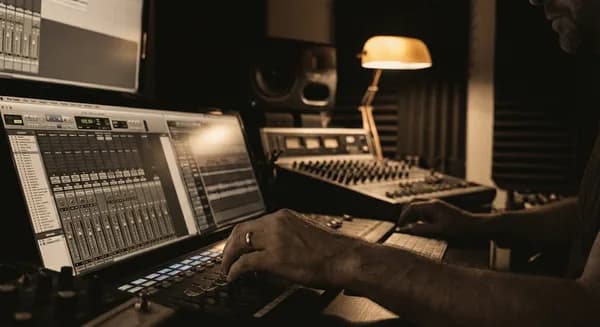
Best Vocal Presets for Pro Tools in 2026
VP
VocalPresets Team
8 min read
If you are recording in Pro Tools, you have probably figured out that the DAW itself is rock solid -- the sessions are clean, the routing makes sense, and it does not get in your way. What does get in your way: spending two hours trying to make your vocal sound like a real record when you should be writing the next song.
Vocal presets fix that. Load one, record, move on. Here is what actually works in Pro Tools right now.
Why Vocal Presets Make Sense for Artists in Pro Tools
Here is something nobody tells you when you download Pro Tools: knowing how to use the DAW and knowing how to mix vocals are two completely different skills. You can learn to record, comp takes, and arrange a song in a weekend. Learning to make your vocal sit perfectly in a mix? That takes years.
Presets let you skip that learning curve. A professional already figured out the right EQ, compression, and reverb settings for the kind of music you are making. You load their work, record your vocal, and your track sounds like a release -- not a demo.
Even artists who eventually learn mixing still use presets as starting points. It is not a shortcut, it is how real music gets made on a deadline. Studios running Pro Tools often have session templates with vocal chains already configured -- presets are the home studio version of that same professional workflow.
What to Look for in a Pro Tools Vocal Preset
Plugin compatibility matters. Pro Tools uses the AAX format exclusively. Most quality preset packs are built around plugins that have AAX versions -- Waves, FabFilter, iZotope, SoundToys, and similar tools. When shopping for presets, look for ones that list Pro Tools in their compatibility or say "universal." If a preset pack says "VST/AU only," it will not work in Pro Tools.
Do not worry about sample rate. Good vocal presets work at any sample rate -- 44.1k, 48k, whatever your project is set to. This should not be something you think about.
Check your Pro Tools version. Pro Tools (the paid version), Pro Tools Artist, and the free Pro Tools Intro all support AAX plugins. However, Pro Tools Intro limits you to fewer insert slots per track. Make sure your preset chain fits within your version's limitations -- most vocal chains need 5-7 insert slots.
Budget Setup: Pro Tools Stock Plugin Chain
Pro Tools comes with solid built-in plugins. Here is a free vocal chain using only stock tools:
- EQ III -- High-pass at 100Hz (24 dB/octave), cut 2 dB at 350Hz with a narrow Q, boost 1.5 dB at 3kHz for presence, shelf boost 2 dB above 10kHz for air
- Dyn3 Compressor -- Ratio 4:1, attack 10ms, release 50ms, knee at 10 dB. Aim for 3-5 dB of gain reduction on your loudest phrases
- Dyn3 De-Esser -- Frequency at 6.5kHz, range at -6 dB. Catches harsh sibilants without making you sound lispy
- AIR Distortion (for saturation) -- Use the "Tube" model with very low drive (8-12%) for subtle warmth
- AIR Reverb (on an aux send) -- Medium plate preset, decay at 1.5 seconds, pre-delay at 25ms, mix at 100% wet (control the amount with your send level)
- AIR Dynamic Delay (on an aux send) -- 1/8 note delay, feedback at 15%, high-cut filter at 5kHz for warm repeats
This chain costs nothing beyond your Pro Tools license and sounds better than most bedroom artists expect.
Getting Started with a Vocal Preset in Pro Tools
Here is the actual workflow -- it takes about two minutes:
- Create your vocal track -- mono input, stereo output. Cmd+Shift+N (Mac) or Ctrl+Shift+N (Windows) to create a new track.
- Load your preset chain -- this drops in EQ, compression, saturation, and spatial effects all at once. Click each insert slot and load the required plugin, then load the preset file within each plugin.
- Check your input level -- make sure your vocal is hitting the compressor at a reasonable level, not blasting into the red. Peaks should sit around -12 to -6 dBFS before the first plugin. Use clip gain to adjust if needed.
- Adjust the high-pass filter if needed -- every voice is different, and the preset's default cut might need to move up or down 20-30Hz. Deeper voices can cut lower (80Hz), higher voices may need 120-140Hz.
- Set your reverb and delay levels to taste -- presets usually start conservative so you can push them up. Solo your vocal, raise the reverb send until you hear it clearly, then back it off 2-3 dB. That is usually the right amount.
That is it. The point is to get recording, not to become a mix engineer.
Presets Worth Trying Right Now
For Hip-Hop, Rap, and Trap vocals:

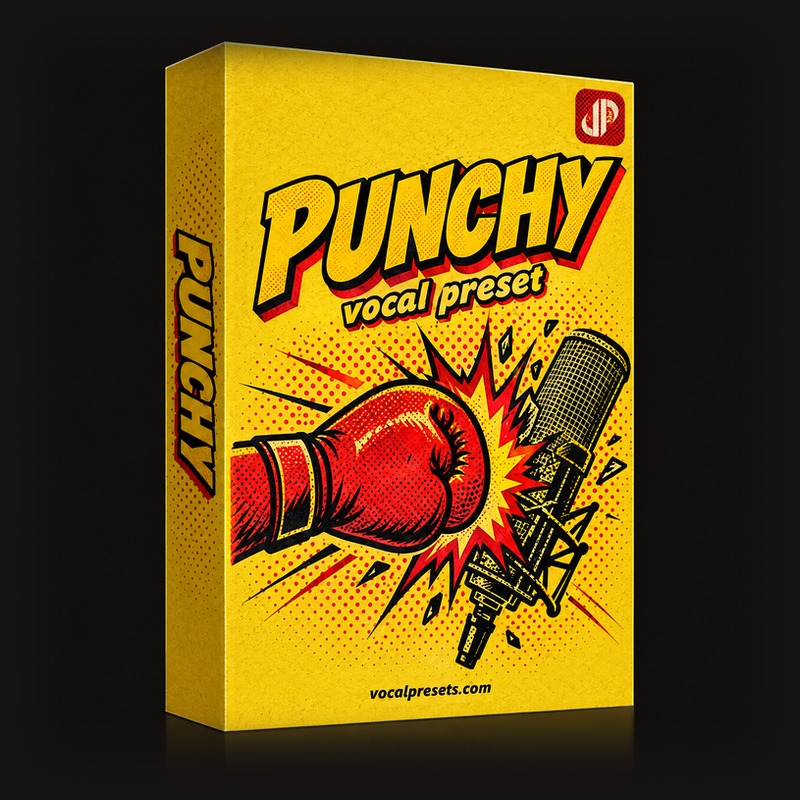
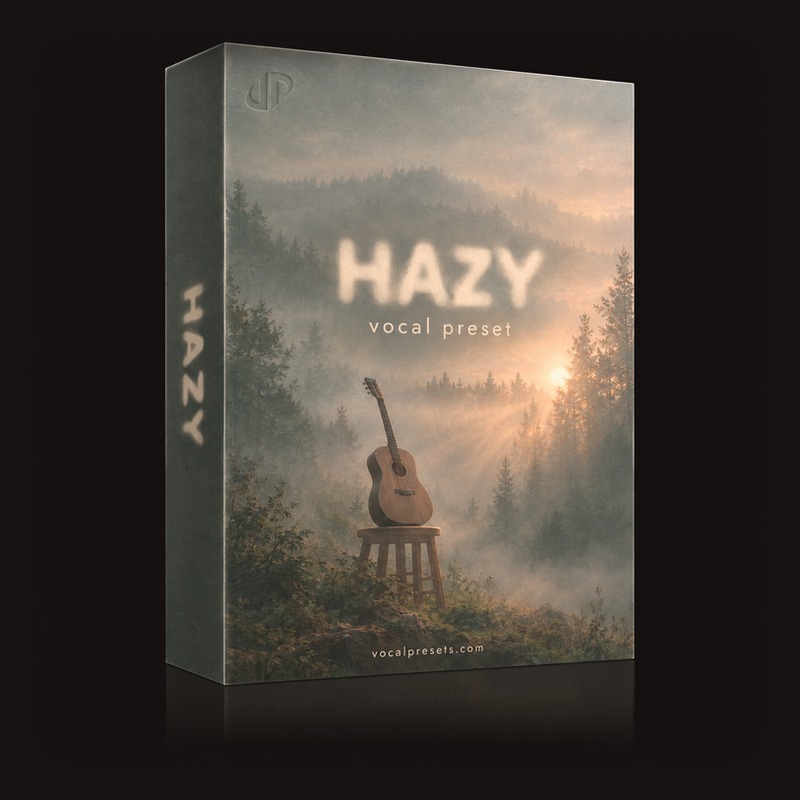
Big Drip is the one if you want that modern, polished rap sound -- glued, present, with just enough top-end air to sound expensive. Works beautifully in Pro Tools with AAX-compatible plugins. Punchy is for when you need your vocal to cut hard through a busy beat -- energetic, forward, no hiding. The compression is tighter here, catching every syllable even when you are spitting fast. Hazy is the move for melodic rap and emotional tracks where you want that atmospheric, slightly dreamy tone.
For R&B and singers:
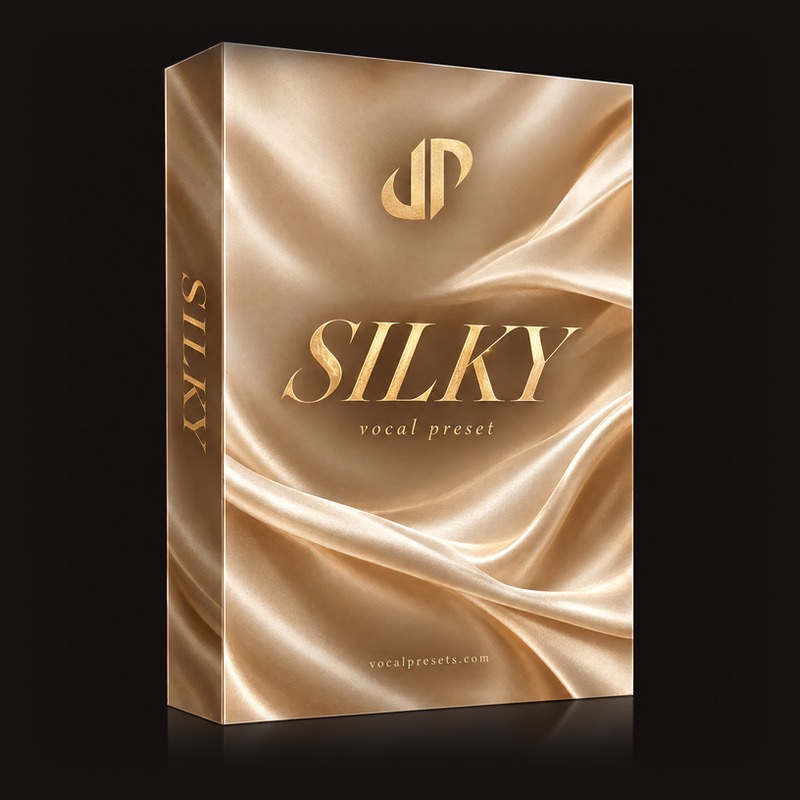
Silky

Vocal Labs
$14.99
Airy Vocal
Vocal Labs
$14.99Silky adds warmth and smoothness -- it makes your voice sound like you tracked through expensive analog gear, even if you are recording through a $100 interface in your bedroom. Perfect for soul-influenced vocals too. Airy opens up the top end and gives your vocal that floating, effortless quality you hear on modern R&B releases.
Browse our vocal presets for more options, or try our free vocal presets to test the difference before committing.
Tips for Better Recordings in Pro Tools
Use clip gain to even out your vocal first. Before your voice even hits the preset chain, use Pro Tools' clip gain (Cmd+Shift+E to enable, then drag up and down on the waveform) to bring quiet parts up and loud parts down. This makes every preset work better because the compressor is not doing all the heavy lifting. Spend two minutes on clip gain and your mix improves dramatically.
Put reverb and delay on separate aux sends. Most professional vocal chains do not run reverb directly on the vocal track -- they use auxiliary sends. Create two aux tracks (one for reverb, one for delay), load your spatial plugins there, and use sends from your vocal track to feed them. This gives you far more control than inline processing.
A/B with bypass. Get in the habit of bypassing your entire chain (Cmd+click on each plugin) and listening to the raw vocal. If the preset is doing its job, you should hear a clear improvement -- not just a different sound. If the raw vocal sounds better, your input level is probably wrong.
Use playlists for comping. Pro Tools' playlist system is the best comping workflow in any DAW. Record multiple takes onto playlists (Cmd+Ctrl+N for a new playlist), then use the Comp tool to select the best parts from each take. Every professional recording session uses this technique.
Record at 24-bit. Make sure your session is set to 24-bit recording (Setup > Session). This gives you more headroom and a lower noise floor, which means your preset chain has better material to work with. There is zero reason to record at 16-bit in 2026.
Pro Tools-Specific Workflow Advantages
Track Presets save everything. Right-click your track and select "Save Track Preset" to save your entire vocal setup -- plugins, settings, I/O routing, sends. Next session, create a new track from the preset and everything is configured. Build a library of track presets for different genres.
Commit to reduce CPU load. If your computer is struggling with too many plugins, right-click the track and choose "Commit" to bounce the effects in place. The original dry audio stays safe underneath. You can always "Uncommit" to get back to the live plugin chain.
Use the strip silence function. Before applying your preset, use Strip Silence (Cmd+U) to automatically remove silent sections between phrases. This eliminates room noise between lines and gives your noise gate less work to do. Set the threshold around -40 dB and adjust until it captures only the silence between phrases, not the quiet tails of your words.
Troubleshooting Common Pro Tools Issues
Plugins causing clicks and pops. Increase your Hardware Buffer Size in Setup > Playback Engine. Start at 256 samples and raise to 512 or 1024 if needed. During recording, lower it to 128 for minimal latency, then raise it back for mixing.
The preset sounds harsh on your voice. Your mic or room might be adding brightness that the preset amplifies. Try cutting 1-2 dB in the 2-5kHz range on your EQ, or move your mic slightly off-axis (angle it 10-15 degrees away from directly facing your mouth).
Latency when recording with plugins. Enable Low Latency Monitoring in the Options menu. This bypasses delay-inducing plugins during recording while still letting you hear the others. Alternatively, use Pro Tools' built-in Input Monitoring with just a compressor and EQ active.
Frequently Asked Questions
Can I use VST plugins in Pro Tools? No. Pro Tools exclusively uses the AAX plugin format. Most major plugin developers (Waves, FabFilter, iZotope, SoundToys, Valhalla) release AAX versions of their plugins. When purchasing plugins or preset packs, always confirm AAX compatibility before buying.
Is Pro Tools Intro good enough for releasing music? Yes. Pro Tools Intro gives you up to 8 audio tracks with full AAX plugin support. For a singer-songwriter or rapper recording vocals over beats, 8 tracks is enough -- you need a lead vocal, maybe 2-3 harmony/double/ad-lib tracks, and a stereo instrumental. The audio quality is identical to the paid version.
How do I transfer my preset chain to a collaborator's session? Save your vocal chain as a Track Preset, then send the preset file along with the session. Alternatively, save each plugin's settings individually and send those files. Both artists need the same plugins installed -- the preset only saves settings, not the plugins themselves.
Should I mix in Pro Tools or send my vocals to an engineer? If you are using presets, you are already mixing at a basic level -- and for many independent releases, that is enough. If your music is gaining traction and you want a professional mix, bounce both your dry vocal stems (no effects) and wet stems (with your preset) and send both to the engineer. They will appreciate having your processed version as a reference for the sound you want.
Bottom Line
You are an artist. Your job is to write and perform, not to spend hours tweaking compressor settings. Load a preset, make it sound right, and get back to making the music. That is what Pro Tools presets are for. Browse our vocal presets and find the chain that fits your sound.